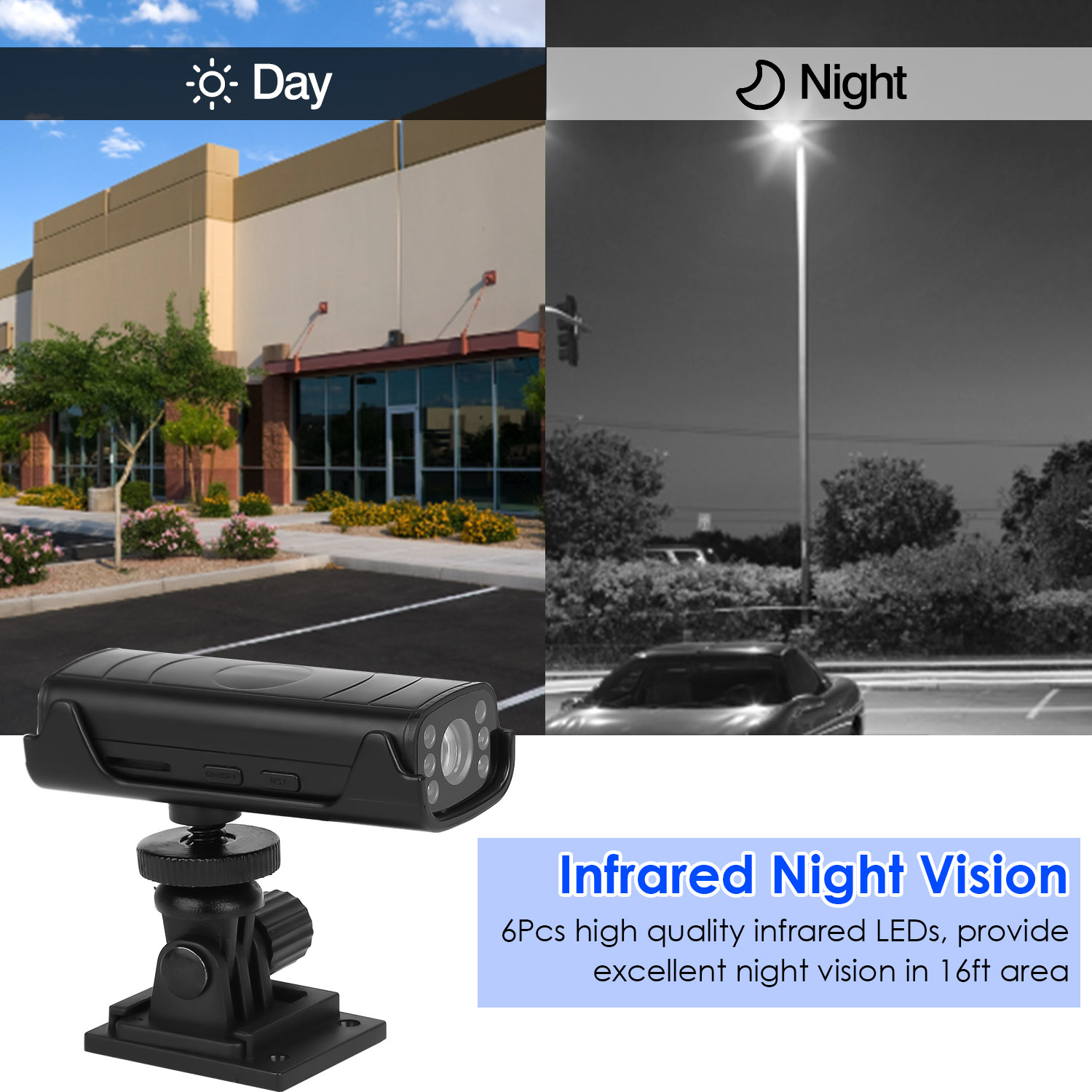

Photos from current listings. Actual item, color, and included accessories may vary.
Wireless Reverse Camera Buying Guide
A wireless reverse camera replaces the factory wired link between a rear-mounted camera and a dash display with a short-range 2.4/5 GHz transmitter-receiver pair, trading cable-routing labor for signal reliability and power-management discipline. The core decision is power architecture (hardwired to reverse lamp vs battery/solar vs USB) and wireless latency/range, not megapixels. Buy a kit with a dedicated monitor or a factory-screen interface module that matches your car's head-unit generation; skip generic Wi-Fi cameras that depend on a phone app for reversing.


At a glance
- Category
- Car Electronics
- Data updated
- Nov 16, 2026
Current offers
Highlights
- Wireless kits split into 2.4 GHz analog (longer range, more interference) and 5 GHz digital (shorter range, lower latency, less dropout in dense traffic).
- Hardwired-to-reverse-lamp cameras need no charging; battery/solar units trade installation ease for periodic recharge and cold-weather capacity loss.
- IP68 is the minimum rear-exterior rating; lens IR LEDs are required for night vision because reversing lamps alone rarely illuminate the bumper zone.
- Monitor-based kits avoid phone-pairing delay (typically 0.5–2 s app launch); factory-screen kits need a compatible head-unit input or CAN-bus adapter.
Best use cases
- Daily-driving sedan/hatchback: pick a 5 GHz digital kit wired to the reverse lamp with a 4.3–5 in dash monitor—skip solar/battery units that need recharging.
- RV, trailer, or long-wheelbase van: choose a 2.4 GHz kit rated for 30 m+ line-of-sight with a hardwired power feed, and skip compact 5 GHz kits that drop at distance.
- Temporary or lease vehicle: a rechargeable adhesive-base camera with a magnetic/suction monitor is the right fit; skip drill-mount hardwired kits that modify the body.
- Factory-screen integration: buy a camera plus a head-unit-specific video interface module; skip universal RCA kits if your head unit has no reversing video input.
Buying tips
- Match wireless band to vehicle length: 5 GHz digital for cars under ~6 m; 2.4 GHz for RVs/trailers where line-of-sight exceeds 10 m.
- Confirm power source: reverse-lamp tap (12 V) suits hardwired cameras; battery/solar models need 5 V USB-C charging and 2–4 week recharge cycles.
- Verify monitor or head-unit input: RCA composite is universal; factory screens require a vehicle-specific interface or an added standalone monitor.
- Check camera angle and sensor: 120–170° diagonal view covers blind spots without fisheye distortion; 1/3 in CMOS outperforms 1/4 in in low light.
Specs
| Wireless Band | 2.4 GHz analog vs 5 GHz digital |
|---|---|
| Power Source | Reverse-lamp 12V / battery / solar |
| Weather Rating | IP67–IP68 rear-exterior minimum |
| Display Link | Dedicated monitor vs factory-screen module |
Related searches
What to check before buying
- Measure license-plate recess or bumper mount area and confirm the camera bracket or adhesive base fits without blocking the plate.
- Check reverse-lamp voltage (12 V DC) and whether the tail-light housing is accessible for a tap connector.
- Confirm dash real estate for the monitor size (4.3–7 in) and that the windshield/dash mount does not obstruct airbags or wipers.
- For factory-screen kits, verify the head unit has a reversing video input or that a CAN-bus interface exists for your model year.
FAQ
Data sources: eBay / Amazon listings and product attribute feeds Data updated Nov 16, 2026.
Some links on this page are affiliate links. If you buy after clicking one, we may earn a commission at no extra cost to you. This does not change which products appear here or their order. Affiliate disclosure.