Photos from current listings. Actual item, color, and included accessories may vary.
Rear Backup Camera Wireless Buying Guide
Wireless rear backup cameras replace the long RCA cable run from trunk to dash with a 2.4 GHz or 5.8 GHz transmitter/receiver pair, but they still need 12 V power at the camera. The core trade-off is signal stability versus installation convenience: analog 2.4 GHz kits are cheap and universal but prone to interference in dense RF environments, while digital 5.8 GHz and Wi-Fi/phone-based systems cost more yet hold a cleaner image. Buy a kit only if it includes a matched monitor or phone app and a waterproof camera rated IP67 or better; skip bare cameras unless you already own a compatible display.

At a glance
- Category
- Car Electronics
- Data updated
- Nov 16, 2026
Current offers
 Rear Car Camera 170°HD Night Vision View Reverse Backup Parking Waterproof CMOS$16.32
 View on eBay
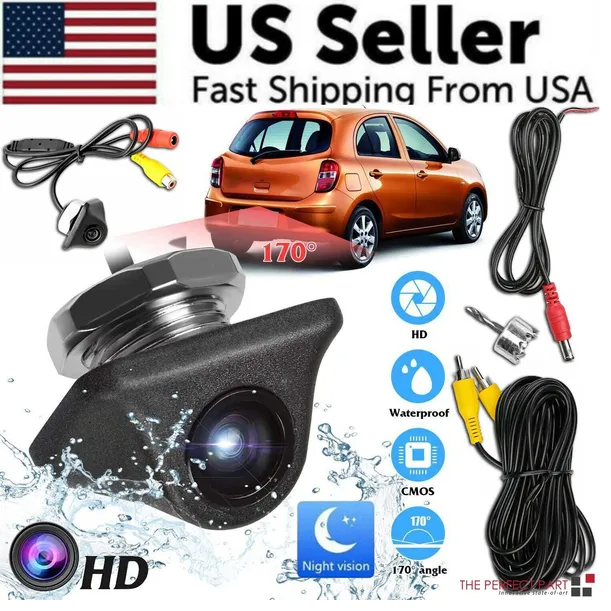 Car Rear View Reverse Camera Parking Backup Cam HD Night Vision Waterproof$22.99
 View on Mallflare
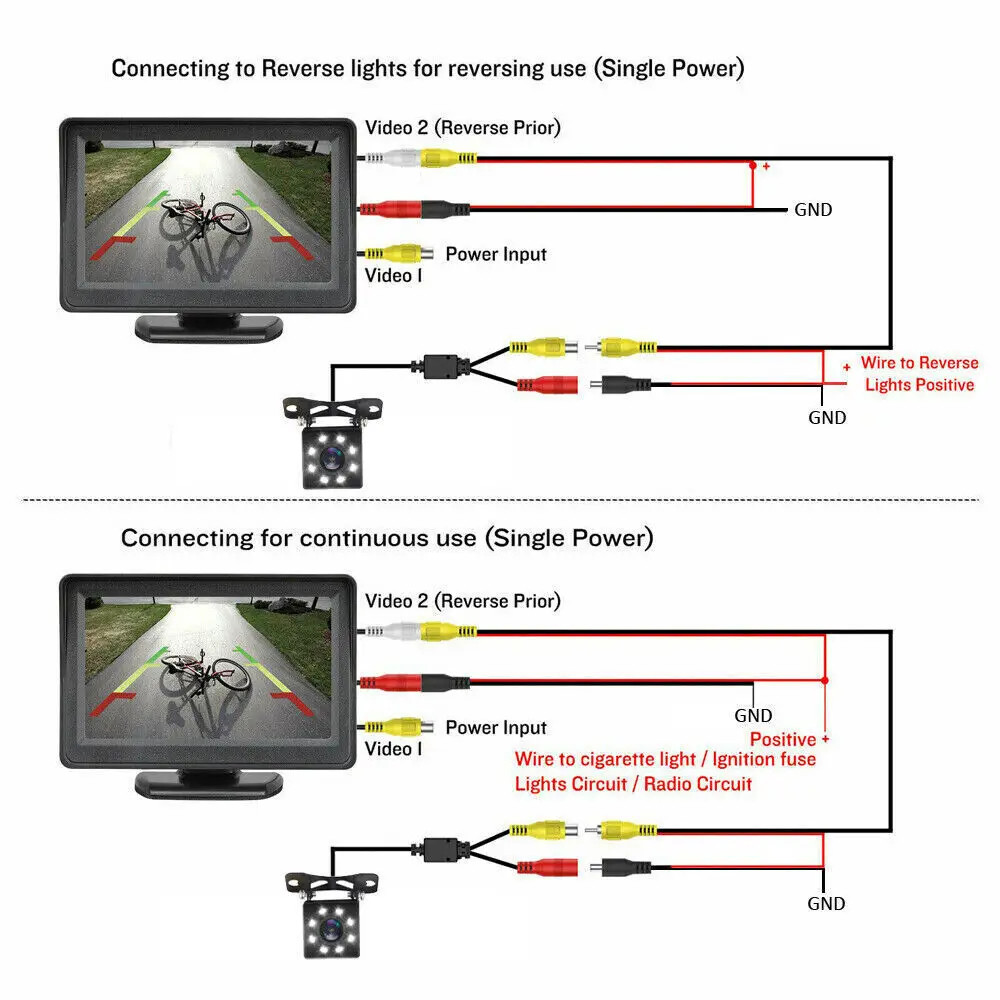 4.3'' Car Monitor With Night Vision Reverse Camera Backup Rear View Parking Kit$30.03View on eBay
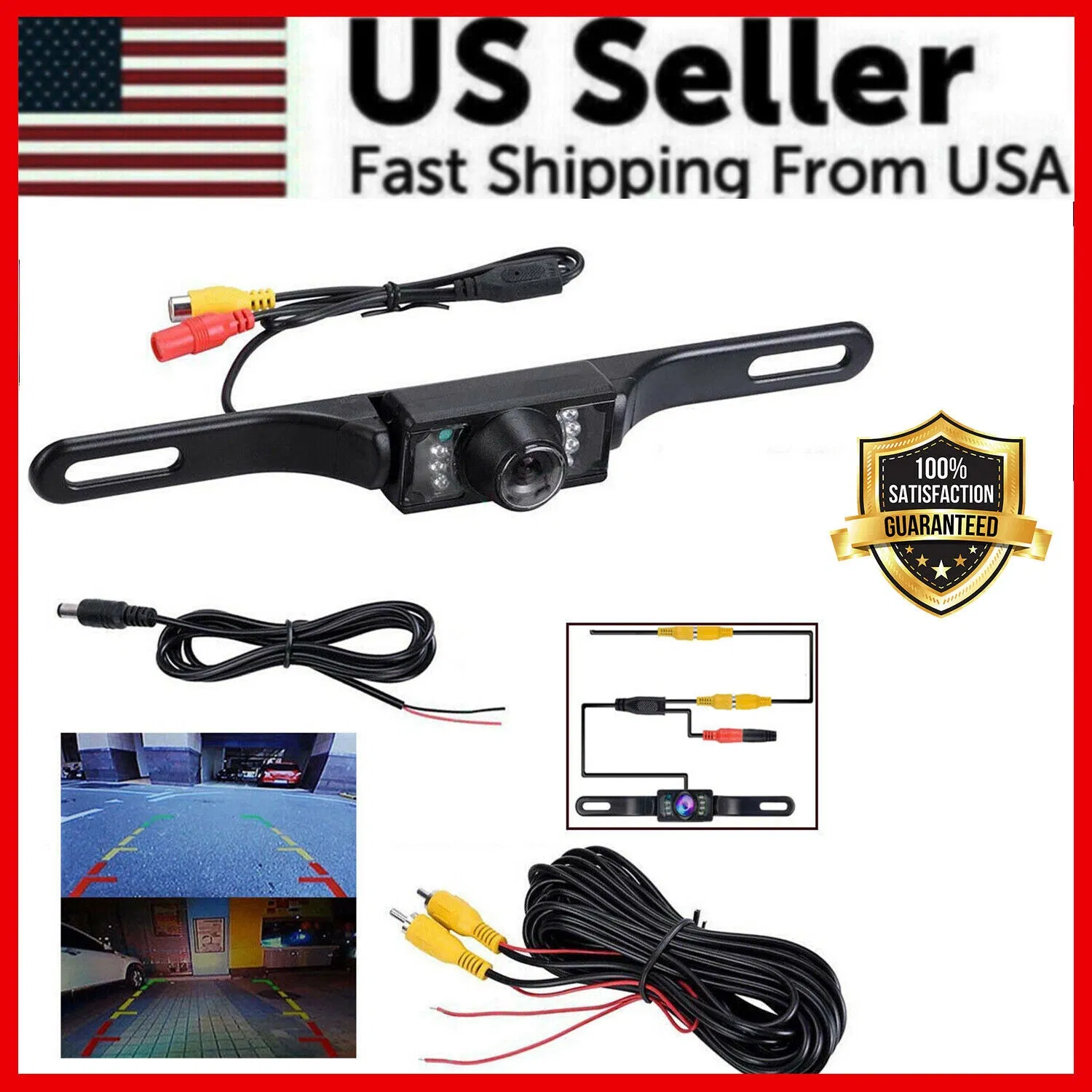 Wide 170° Night Vision Car Rear View Reverse Backup Parking Camera Waterproof$23.99View on Mallflare
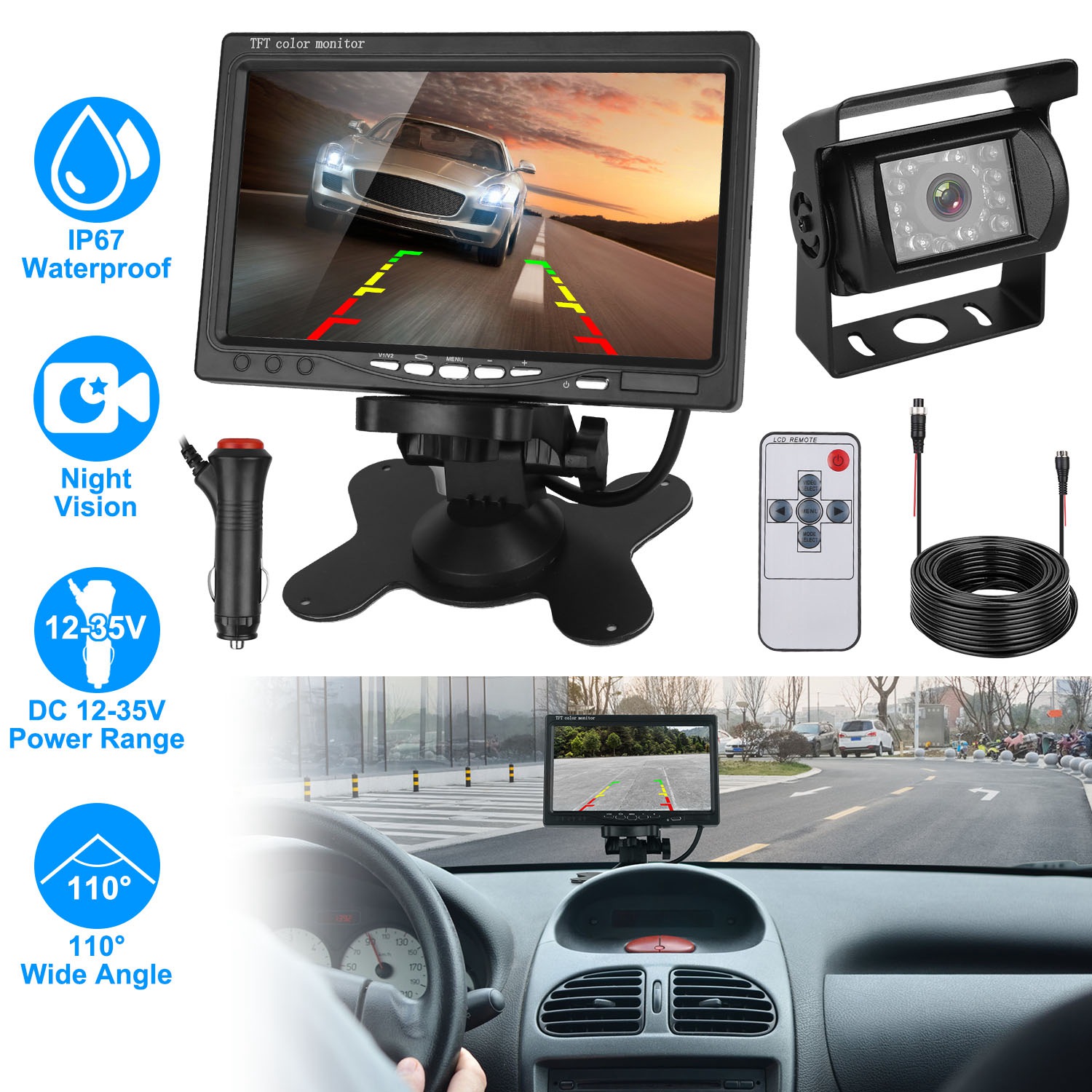 1Pc 7In Screen Backup Camera System Vehicle Rear View Monitor Kit IP67 Waterproof Car Parking Reverse With Night Vision$77.99View on Mallflare
Highlights
- Camera imagers split into CMOS (standard, adequate night vision with IR LEDs) and CCD (better low-light color, rarer and pricier); 170° diagonal is the practical wide-angle sweet spot before fisheye distortion.
- Wireless link is either analog 2.4 GHz (long range, interference-prone) or digital 5.8 GHz / Wi-Fi (shorter range, cleaner signal); the monitor and camera must share the same band and protocol.
- Waterproof rating matters more than plastic housing: IP67 or IP68 seals survive rain, car washes, and road spray; IP66 is marginal for exposed bumper mounting.
- Monitor size drives visibility: 4.3-inch screens suit tight cockpit dash space, 7-inch screens give a clearer rear view but need a larger dash or windshield footprint.
Best use cases
- Best fit: pick a 5.8 GHz digital kit with a 4.3- or 7-inch monitor for sedans, SUVs, and vans where you want a dedicated always-on display without phone pairing.
- Best fit: choose a Wi-Fi camera that streams to your phone for occasional-use trailers, RVs, or second vehicles where running a monitor cable is impractical.
- Wrong fit: skip a bare wireless camera if you do not own a compatible monitor or head unit—the camera alone cannot display an image.
- Wrong fit: avoid 2.4 GHz analog kits in urban apartments or fleet yards with heavy Wi-Fi congestion; step up to 5.8 GHz digital to prevent image dropouts.
Buying tips
- Match the wireless band end-to-end: a 5.8 GHz camera needs a 5.8 GHz receiver or monitor; mixing 2.4 GHz and 5.8 GHz components yields no signal.
- Confirm camera power: most wireless cameras tap the reverse light for 12 V, so the transmitter only powers in reverse—choose a kit with a constant-power option if you want rearview while driving.
- Size the monitor to your dash: measure the available dash or windshield area; a 7-inch monitor needs roughly 7 × 5 inches of clear mounting space versus about 4.5 × 3 inches for a 4.3-inch unit.
- Prioritize IP67/IP68 and CMOS with IR LEDs for night vision; plastic housings are fine if the lens and connector seals are rated, but metal housings resist UV cracking better.
Specs
| Wireless Band | 2.4 GHz analog / 5.8 GHz digital |
|---|---|
| Waterproof Rating | IP67-IP68 exposed mount |
| Camera Angle | 120°-170° diagonal |
| Monitor Size | 4.3 in vs 5-7 in dash |
Related searches
What to check before buying
- Measure your license-plate recess or bumper mounting area and confirm the camera bracket fits; most plate cameras need the standard 6 × 12 inch plate zone.
- Verify your vehicle's reverse light provides 12 V DC and identify a grounding point; wireless cameras still require a physical power and ground connection.
- Check your dash or windshield for a flat mounting surface sized for the monitor, and confirm the monitor's power source (12 V socket or hardwire).
- Scan your parking environment for 2.4 GHz congestion (home Wi-Fi, dashcams, neighbors); if dense, choose a 5.8 GHz digital system.
FAQ
Data sources: eBay / Amazon listings and product attribute feeds Data updated Nov 16, 2026.
Some links on this page are affiliate links. If you buy after clicking one, we may earn a commission at no extra cost to you. This does not change which products appear here or their order. Affiliate disclosure.