Photos from current listings. Actual item, color, and included accessories may vary.
Wireless Backup Camera iPhone Buying Guide
A wireless backup camera for iPhone is a Wi-Fi or Bluetooth-enabled rearview camera that streams video to your phone instead of a dedicated dash monitor. The core trade-off is between battery-powered magnetic/windshield units with flexible mounting and fixed wired-to-12V units that never need charging but require tapping the reverse light circuit. Choose a rechargeable Wi-Fi camera for occasional reversing and multi-vehicle use; choose a hardwired 12V system with a dedicated screen for daily drivers who need instant, lag-free reverse video.

At a glance
- Category
- Car Electronics
- Data updated
- Nov 16, 2026
Current offers
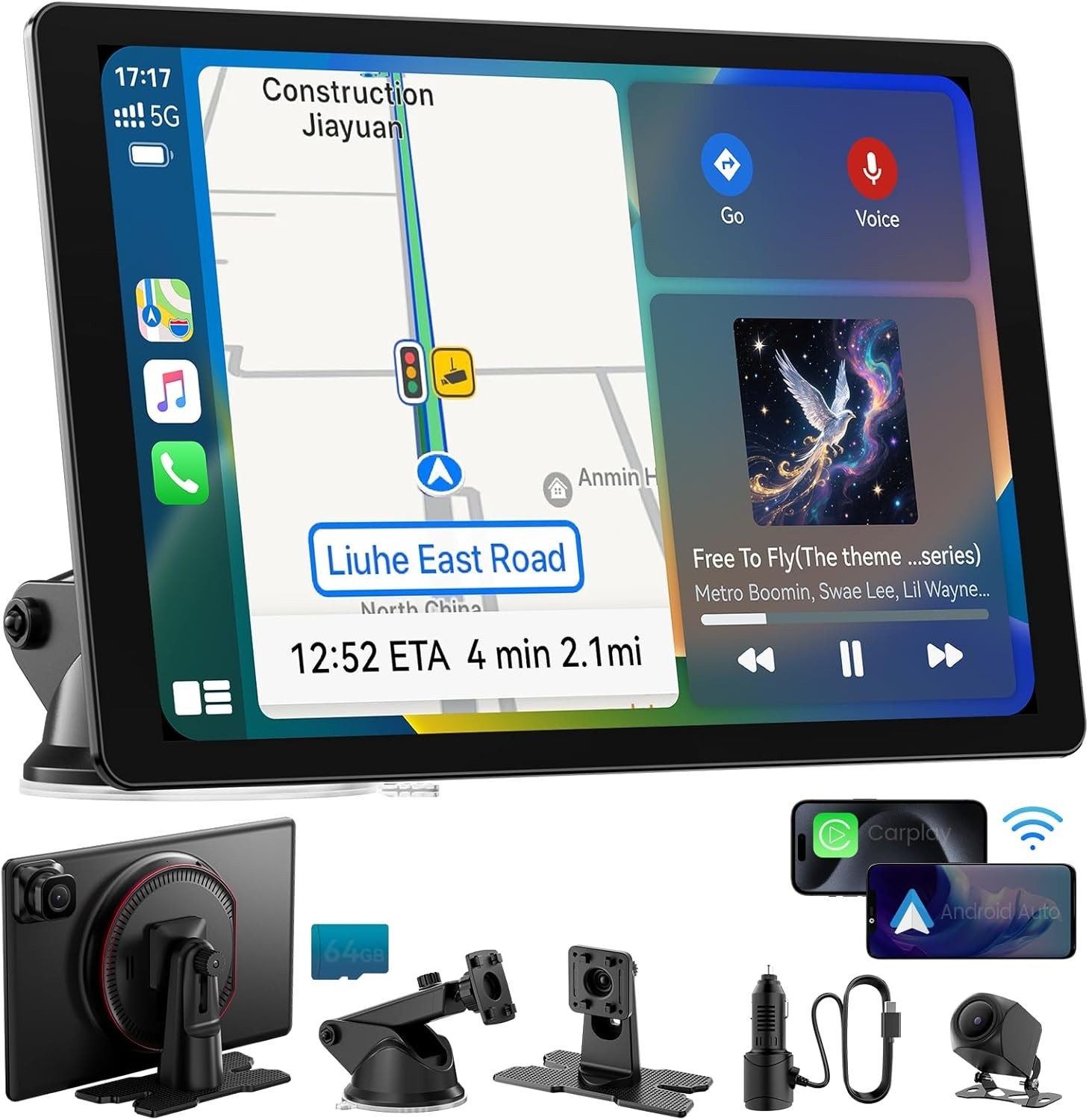 11" Large Wireless Carplay Screen For Car 4K Dash Cam 1080P Backup Camera GPS$105.99
 View on eBay
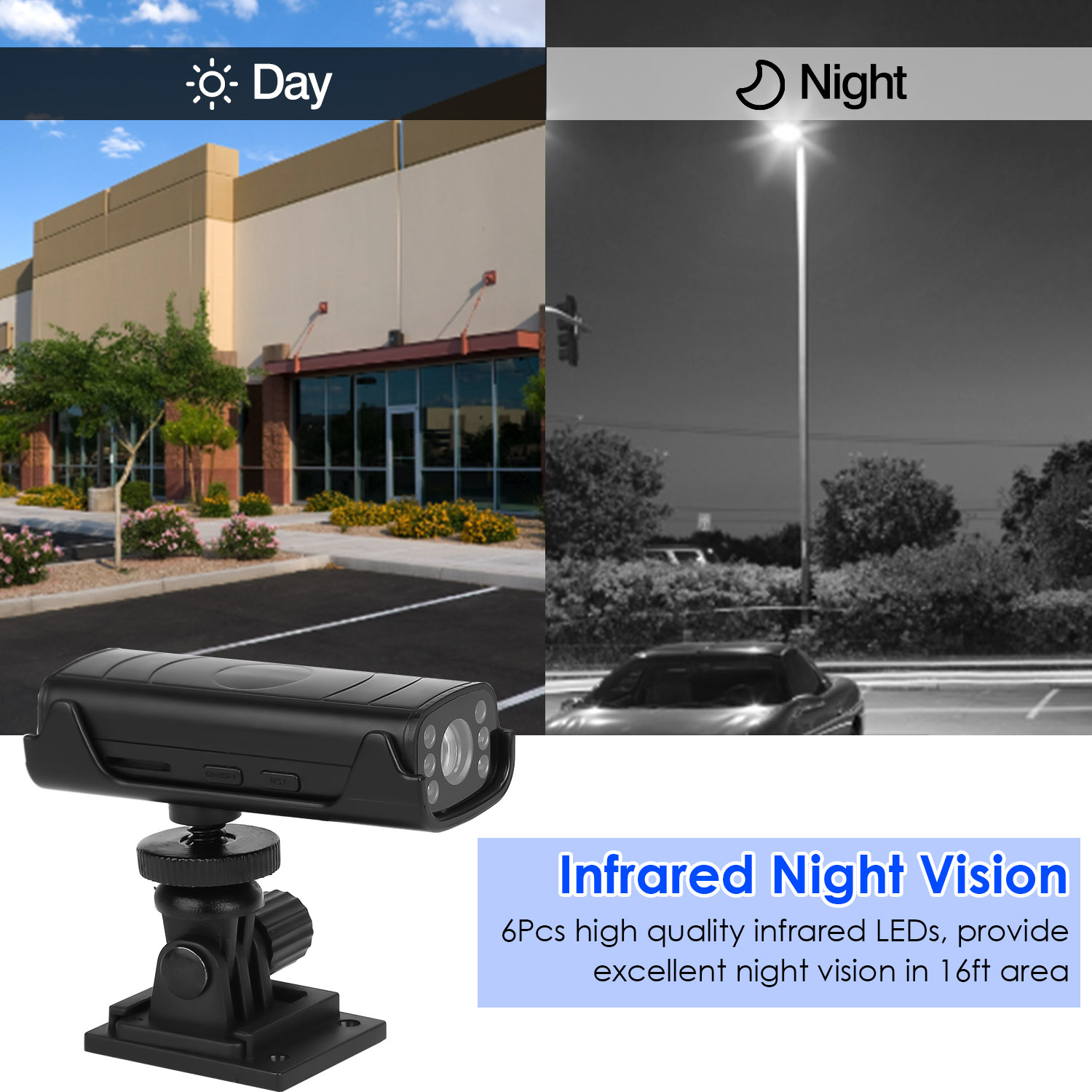 1Pc Wireless Camera Reverse Hitch Guide Vehicle Backup Rechargeable With Flexible Adhesive Base Night Vision For Car RVs$35.99
 View on Mallflare
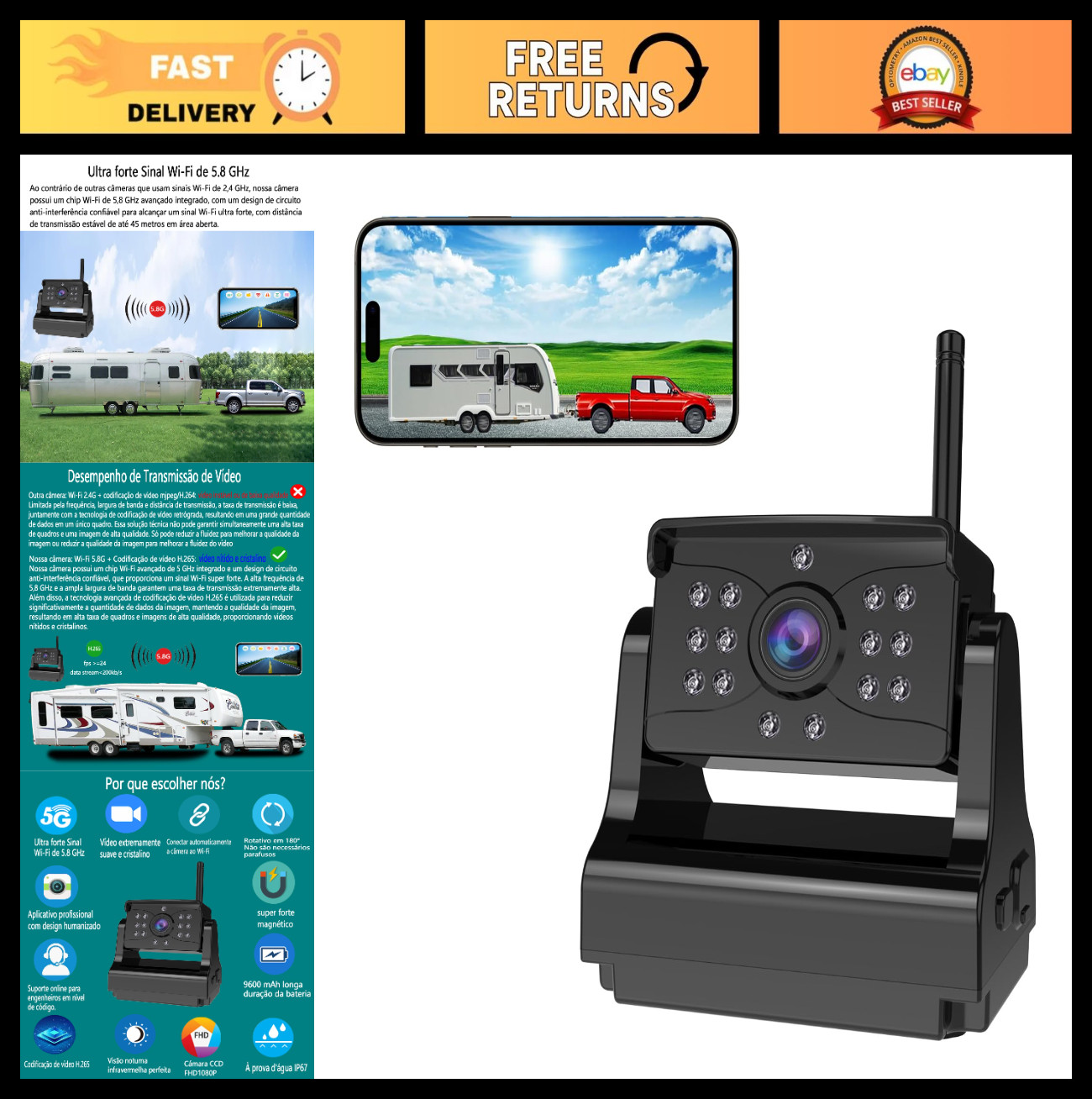 Wireless Backup Camera - Ultra Strong WiFi, Clear Picture, Magnetic Rechargeable$128.99View on eBay
Highlights
- Wi-Fi 2.4 GHz cameras add 200-400 ms latency, while wired or 5 GHz systems drop below 150 ms for real-time reversing.
- Rechargeable magnetic cameras typically run 4-8 hours per charge and use USB-C or micro-USB, requiring removal for charging.
- Night vision depends on IR LEDs or a Sony STARVIS sensor; 1080p minimum resolution is needed to read license plates at 20 ft.
- IP67 or IP68 waterproofing is required for exterior mounting; plastic housings crack below -4°F, metal housings resist UV and heat better.
Best use cases
- Best fit: occasional reverse parking in a daily driver — pick a rechargeable magnetic Wi-Fi camera with 1080p and IR night vision, and skip fixed dash monitors.
- Best fit: RV or trailer with multiple tow vehicles — choose a battery-powered suction/adhesive camera that pairs to iPhone via app, avoiding permanent wiring.
- Wrong fit: frequent night reversing or tight parallel parking — skip battery Wi-Fi cameras and install a hardwired 12V camera with a dedicated 5-inch or larger monitor for instant-on video.
Buying tips
- Match camera field of view to vehicle width: 120-170° covers blind spots; wider than 170° distorts distance judgment and makes objects appear farther away.
- For iPhone compatibility, confirm the camera app supports iOS 14+ and connects via direct Wi-Fi (not requiring a router or cellular data).
- Choose 1080p minimum resolution and a Sony STARVIS or CMOS sensor with IR LEDs for usable night video; 720p is insufficient for plate reading.
- Battery cameras need 3000 mAh or larger for 6+ hours of runtime; solar panels only offset standby drain, not continuous streaming.
Specs
| Connectivity | Wi-Fi 2.4/5 GHz vs Bluetooth |
|---|---|
| Power Source | Rechargeable battery vs 12V hardwired |
| Resolution | 1080p min / 2K-4K premium |
| Waterproof Rating | IP67 / IP68 exterior-rated |
Related searches
What to check before buying
- Measure your license plate width and mounting location — cameras with adhesive bases need a flat, clean surface at least 3x3 inches.
- Confirm your iPhone's Wi-Fi can stay connected to the camera while CarPlay or cellular data is active on a second band.
- Check the camera's operating temperature range against your climate; plastic housings are rated to 140°F while metal units handle 176°F.
- Verify the kit includes a 12V power adapter or USB-C cable and that the camera's IP rating is at least IP67 for exterior exposure.
FAQ
Data sources: eBay / Amazon listings and product attribute feeds Data updated Nov 16, 2026.
Some links on this page are affiliate links. If you buy after clicking one, we may earn a commission at no extra cost to you. This does not change which products appear here or their order. Affiliate disclosure.