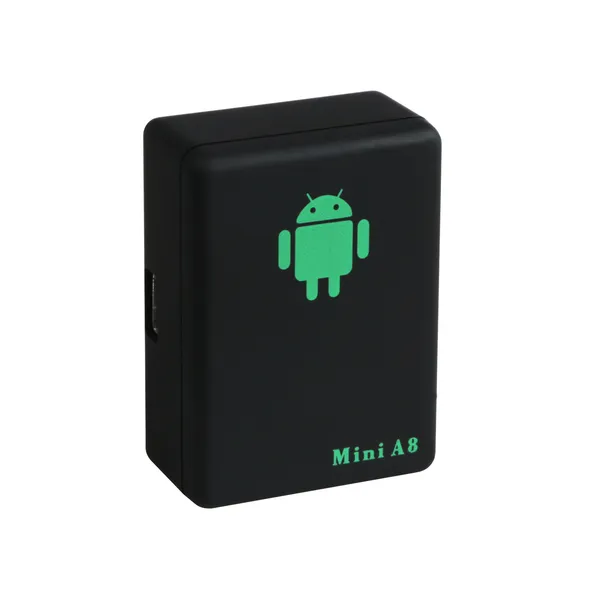

Photos from current listings. Actual item, color, and included accessories may vary.
Portable Gps Unit Buying Guide
A portable GPS unit is a standalone navigation device that mounts in any vehicle, distinct from phone apps and built-in dash systems. The core trade-off is between dedicated satellite navigation hardware (rugged, offline, no data plan) and hybrid tracker/display gadgets that rely on GSM or phone tethering for routing. Buy a true GNSS navigator with offline maps and a sunlight-readable screen; skip GSM-only trackers and CarPlay display screens if you need reliable turn-by-turn guidance without a phone.


At a glance
- Category
- Car Electronics
- Data updated
- Nov 16, 2026
Current offers
Highlights
- Dedicated navigators use multi-constellation GNSS (GPS, GLONASS, Galileo) with offline map storage; GSM/GPRS trackers report position over cellular but cannot route turn-by-turn.
- Screen legibility is set by nits and anti-glare coatings: 5-7 inch resistive or capacitive displays at 400+ nits remain readable in direct sun, while basic tracker LEDs are not navigation displays.
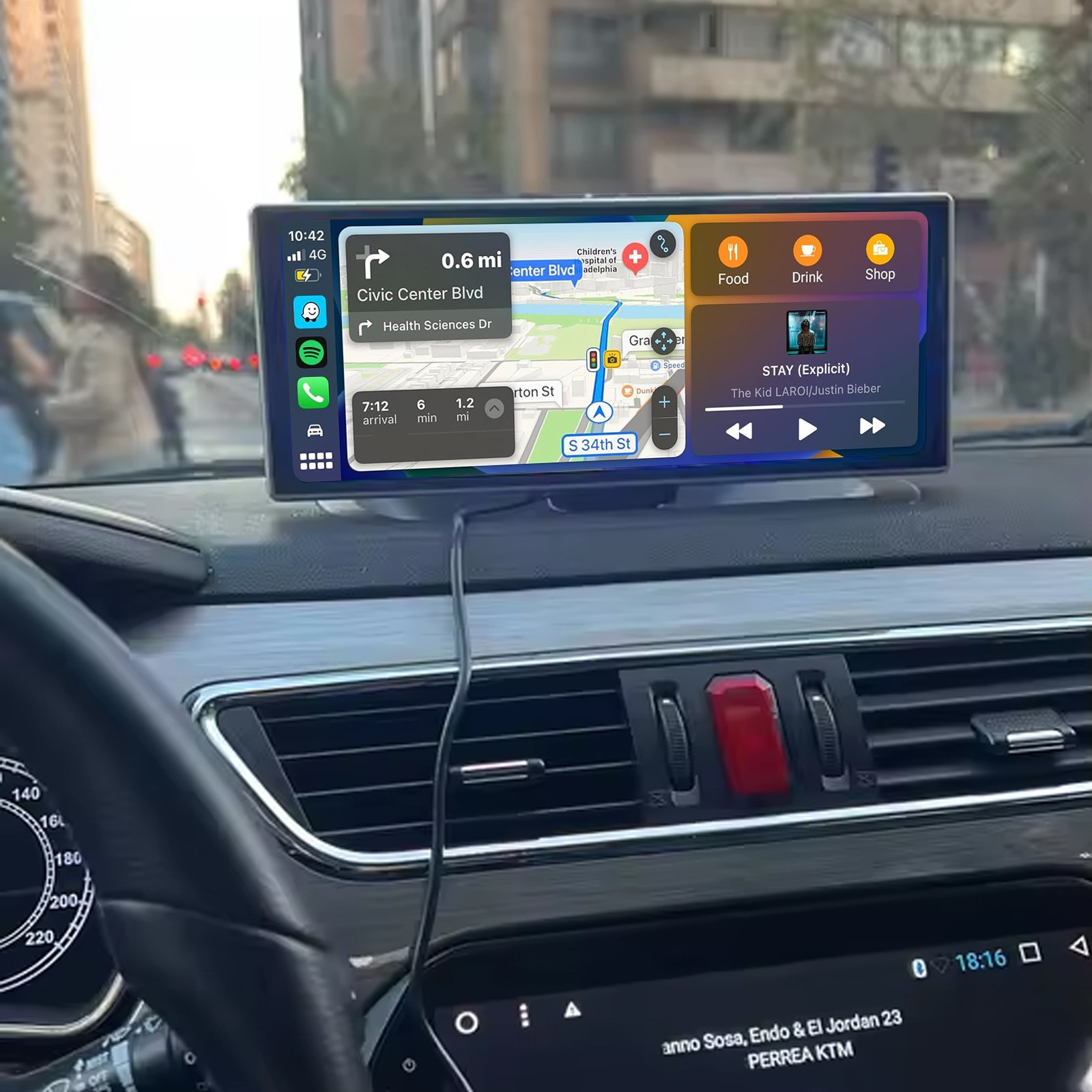
- CarPlay/Android Auto display screens are phone-tethered monitors, not standalone GPS—they require a connected handset and data or offline app maps to navigate.
- Battery runtime separates portable units: dedicated navigators run 1-3 hours unplugged on internal cells, while hardwired trackers rely on vehicle 12V power and have no screen.
Best use cases
- Best fit: rental cars, older vehicles, and road trips where you want offline turn-by-turn without burning phone battery or data—pick a 5-7 inch dedicated GNSS navigator with preloaded regional maps.
- Best fit: fleet or asset position logging where routing is irrelevant—pick a GSM/GPRS GPS tracker with SMS/app location reporting, accepting it is not a navigation screen.
- Wrong fit: buying a CarPlay/Android Auto display screen as a 'portable GPS'—it is a phone-dependent monitor and gives no navigation without a connected handset.
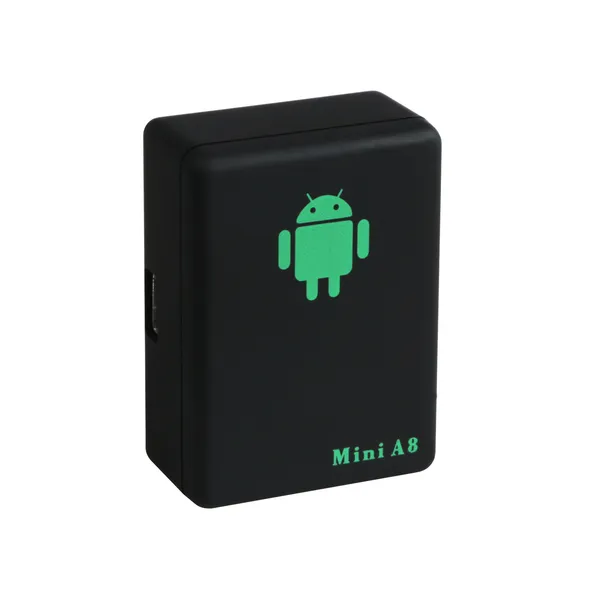
- Skip: miniature coin-sized GSM trackers for in-car navigation; they lack displays, offline maps, and routing engines entirely.
Buying tips
- Match screen size to cab space: 5-inch units fit compact dashboards and windshields, 7-inch units suit vans and trucks—measure mount footprint before choosing.
- Confirm offline map coverage for your region and free update policy; units with lifetime regional map updates avoid recurring costs that phone apps and tethered screens incur.
- Check power input: dedicated navigators run on 12V car adapters with internal backup batteries; hardwired trackers need 12/24V vehicle wiring and do not navigate.
- Prefer multi-constellation GNSS (GPS+GLONASS) over GPS-only for faster fixes in urban canyons and tree cover; GPS-only trackers lag in dense cities.
Specs
| Device Type | GNSS navigator vs GSM tracker vs tethered screen |
|---|---|
| Offline Maps | Preloaded regional maps / no data needed |
| Display Size | 5-7 in sunlight-readable touchscreen |
| Power Source | 12V car adapter + internal backup battery |
Related searches
What to check before buying
- Measure windshield and dash mount area and confirm the suction or adhesive base diameter clears your dashboard curve and does not block sightlines.
- Verify 12V accessory socket availability and adapter cable length reaches the mount position without crossing controls.
- Confirm offline map region covers your driving area and that map updates are included rather than subscription-only.
- For trackers, check GSM band compatibility with local carriers and whether a SIM/data plan is required for position reporting.
FAQ
Data sources: eBay / Amazon listings and product attribute feeds Data updated Nov 16, 2026.
Some links on this page are affiliate links. If you buy after clicking one, we may earn a commission at no extra cost to you. This does not change which products appear here or their order. Affiliate disclosure.