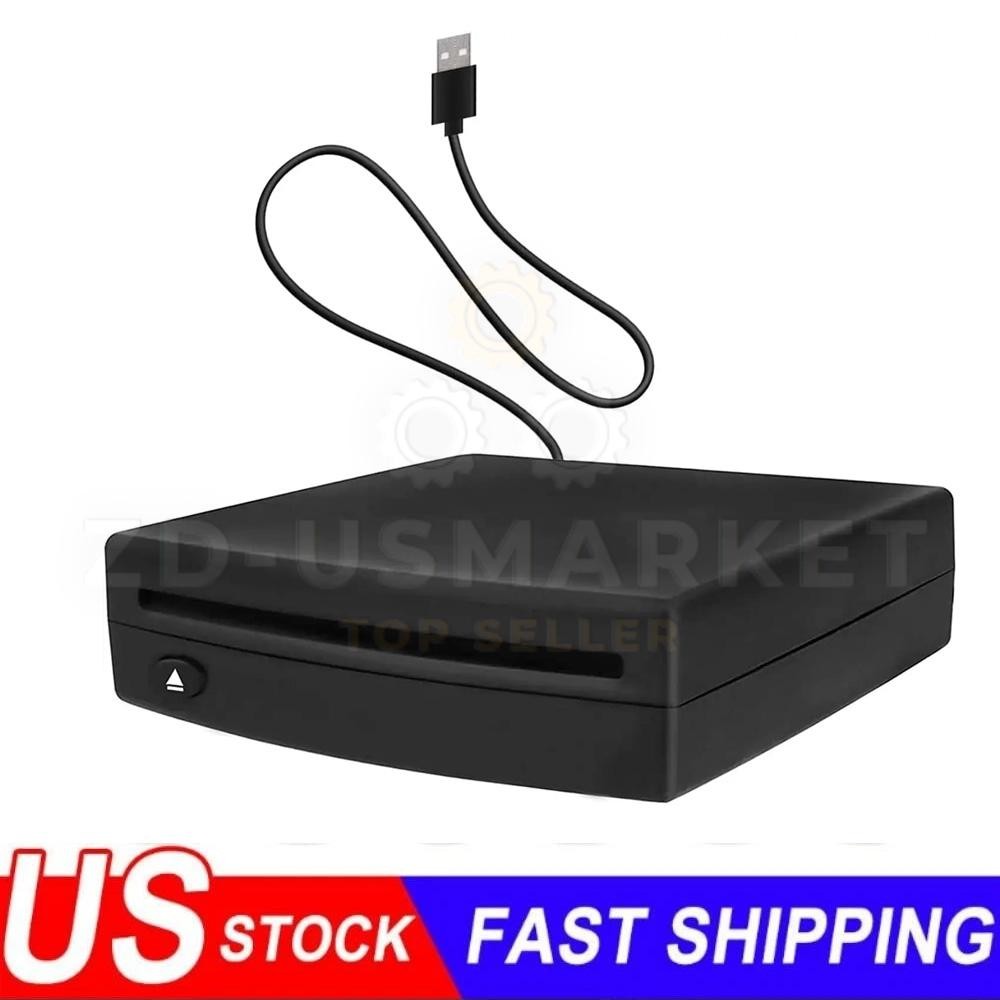

Photos from current listings. Actual item, color, and included accessories may vary.
External USB CD Player Car Buying Guide
An external USB CD player for the car is a portable disc drive that connects via USB or aux to play physical CDs through your vehicle's audio system, usually because the factory head unit lacks a slot. The core trade-off is between a bus-powered USB drive that depends on the head unit recognizing mass storage and a self-powered aux/CD player with its own audio output and power source. Choose a unit with confirmed head-unit USB audio or aux-in compatibility; skip drives that rely only on USB charging with no audio path.


At a glance
- Category
- Car Electronics
- Data updated
- Nov 16, 2026
Current offers
Highlights
- USB mass-storage playback requires a head unit with USB audio input and CD/MP3 file support; many factory units only charge or read flash drives.
- Bus-powered drives draw 5V over USB and may fail on low-current ports; self-powered players with aux-out and battery/12V input are more reliable.
- Aux-only CD players output analog audio via 3.5mm and work with any radio with aux-in, bypassing head-unit USB recognition entirely.
- CD-R/RW and MP3-CD support varies by drive and head unit; red-book audio CD is the safest universal format across older car stereos.
Best use cases
- Best fit: older vehicles with aux-in but no CD slot — pick a self-powered aux CD player with 3.5mm output and its own battery or 12V adapter.
- Best fit: head units with USB audio and CD file support — pick a bus-powered slim USB CD drive rated for 5V USB power.
- Wrong fit: cars with only Bluetooth and no aux/USB audio — skip external CD drives and use a Bluetooth receiver with a CD player's line-out, or rip discs to USB.
- Wrong fit: front-seat compact consoles with no mounting space — skip tray-loading desktop-style players; choose a slot-load or vertical-standing compact unit.
Buying tips
- Confirm the head unit's USB port supports audio playback, not charge-only; consult the stereo manual's USB section for CD-DA/MP3 disc support.
- For aux-only setups, choose a player with 3.5mm line-out and its own power (battery or 12V socket) so audio does not depend on the radio's USB.
- Match disc format to the drive: standard audio CD is universal; MP3-CD requires explicit MP3-CD decoding on both drive and head unit.
- Measure console space before buying: slot-load drives need roughly 2 inches of front clearance, tray-load drives need 6-7 inches of tray extension.
Specs
| Connection Type | USB audio vs 3.5mm aux-out |
|---|---|
| Power Source | USB 5V bus / 12V socket / battery |
| Disc Support | Audio CD, CD-R/RW, MP3-CD |
| Loading Style | Slot-load vs tray-load |
Related searches
What to check before buying
- Verify head-unit inputs: USB audio-capable port vs charge-only USB vs 3.5mm aux-in — this determines bus-powered vs self-powered choice.
- Measure the mounting location for drive footprint and tray/slot clearance; slot-load units fit tighter consoles than tray-load models.
- Check power source: USB 5V bus power, 12V socket adapter, or internal battery — ensure the chosen unit can run in your car without draining the radio.
- Confirm disc compatibility: audio CD, CD-R/RW, and MP3-CD support must align between the drive and the head unit's decoder.
FAQ
Data sources: eBay / Amazon listings and product attribute feeds Data updated Nov 16, 2026.
Some links on this page are affiliate links. If you buy after clicking one, we may earn a commission at no extra cost to you. This does not change which products appear here or their order. Affiliate disclosure.