Photos from current listings. Actual item, color, and included accessories may vary.
Obd2 Code Reader Buying Guide
An OBD2 code reader is a handheld or app-connected scan tool that reads standardized powertrain fault codes (P-codes) from any 1996+ US vehicle via the OBD2 port, while advanced tiers unlock live sensor data, ABS/SRS, and bidirectional actuation. The core trade-off is protocol coverage and feature depth versus price: basic readers only pull generic engine codes, mid-tier adds live data and manufacturer-specific codes, and full-system tools access every module. The decision rule: buy a basic reader only if you need a one-time check-engine diagnosis; buy a mid-tier or full-system tool if you plan to keep the car or diagnose modules beyond the engine.

At a glance
- Category
- Automotive Diagnostic Tools
- Data updated
- Nov 15, 2026
Current offers
 Automotive OBD2 Code Reader OBD Scanner Car Check Engine Fault Diagnostic Tool$21.77
 View on eBay
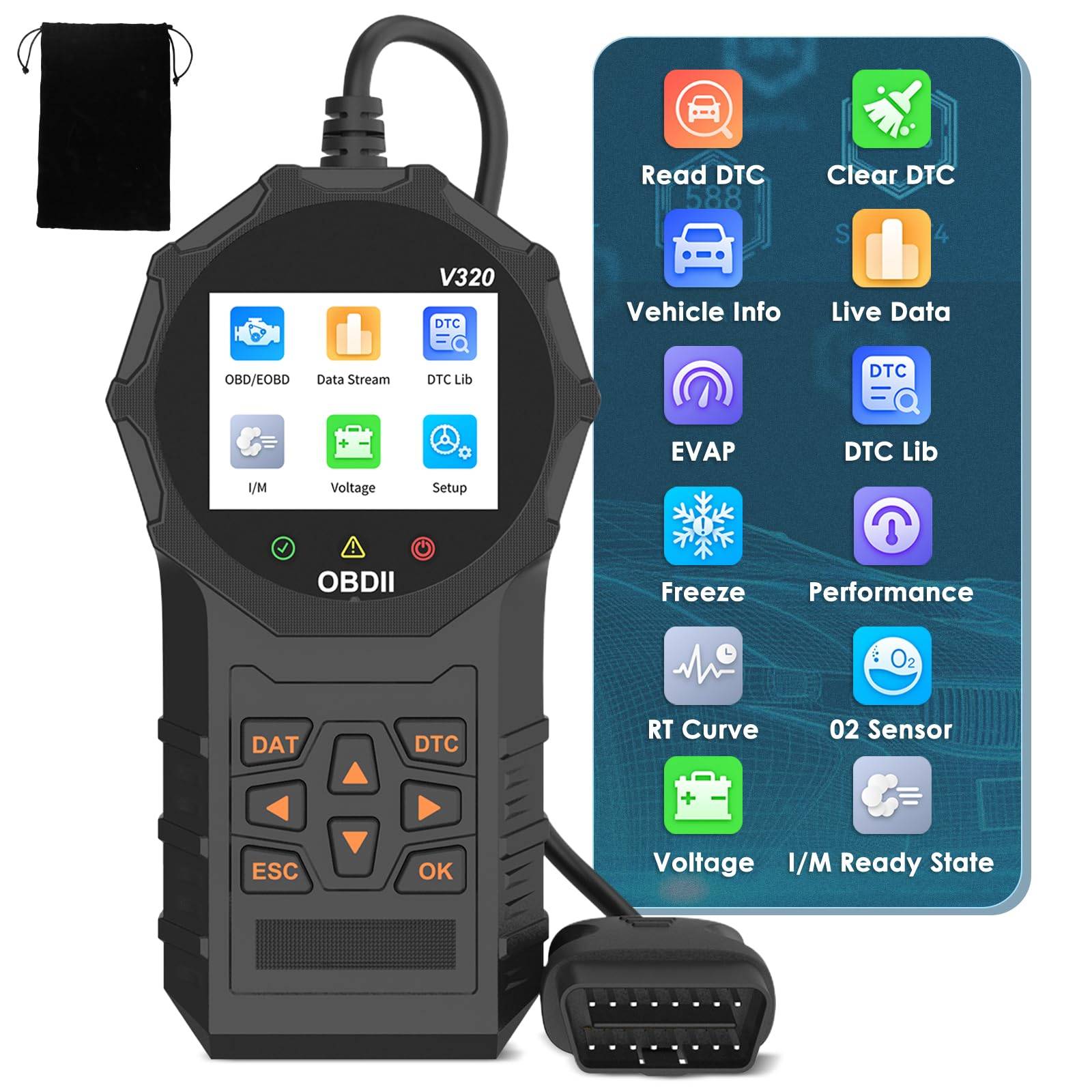 Automotive OBD2 Scanner OBD Code Reader Car Check Engine Fault Diagnostic Tool$58.99
 View on Mallflare
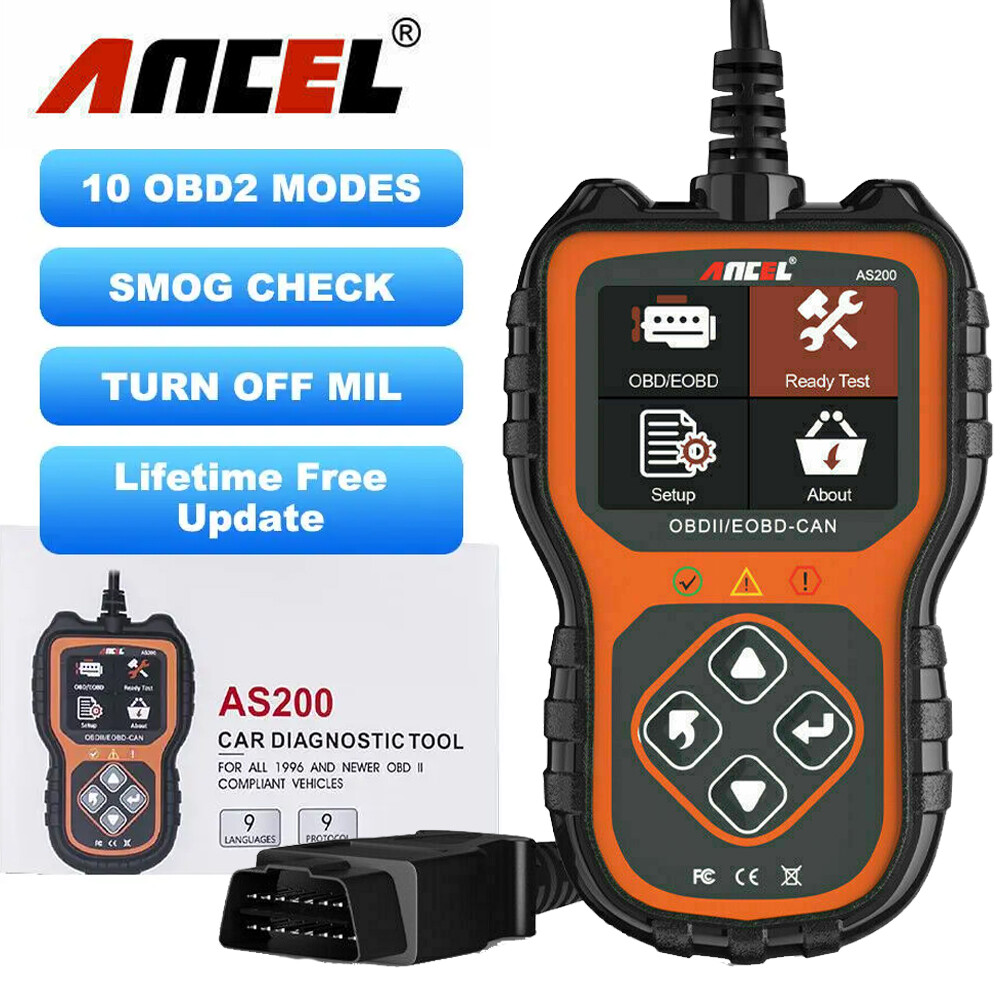 Automotive OBD2 Scanner Code Reader Car Diagnostic Tool Check Engine Live Data$22.59View on eBay
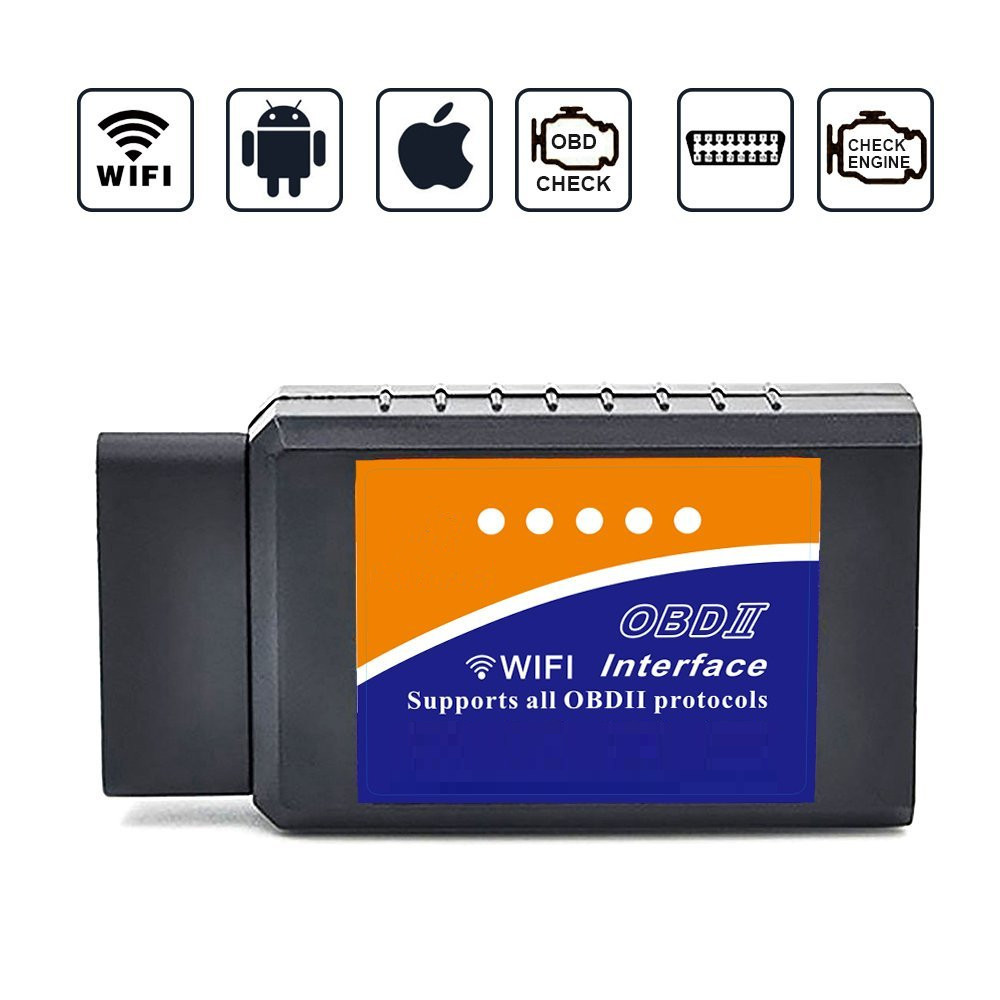 WiFi OBD2 Scanner WiFi Tool Engine Code Reader Car Accessories Diagnostic Tool$26.99View on eBay
 Car Obd2 Scanner Diagnostic Tool Code Reader Engine Fault Code Reader Scanner Ca$78.94View on eBay
- Moto Scan Code Reader OBD2 Scanner Diagnostic Tool Affordable Automotive Parts$160.99View on eBay
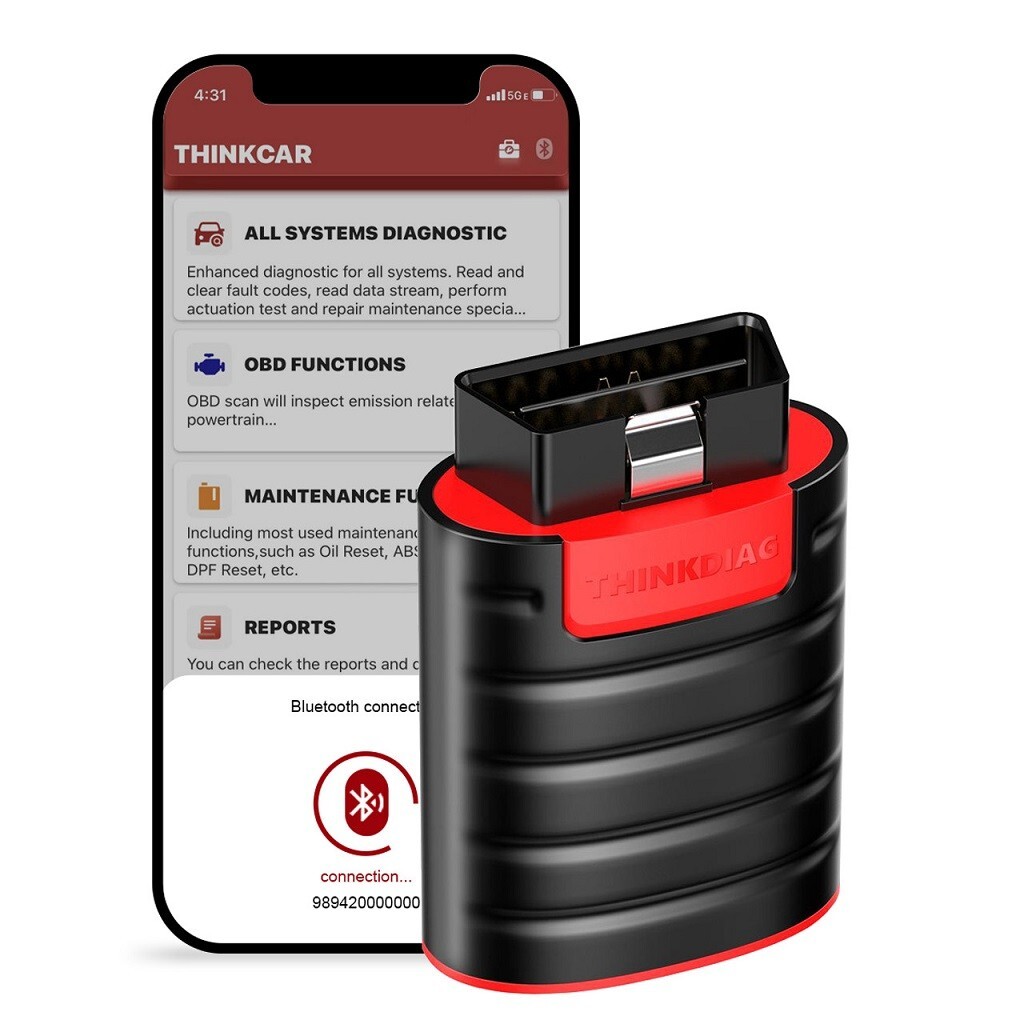 ThinkCar Full System OBD2 Diagnostic Scanner Code Reader for iOS & Android - NEW$164.90View on eBay
- Affordable Automotive Parts Moto Scan Code Reader OBD2 Scanner Diagnostic Tool$179.99View on eBay
- Moto Scan Code Reader OBD2 Scanner Diagnostic Tool Affordable Automotive Parts$179.99View on eBay
 ANCEL FX8000 Car Full System Diagnostic Tool OBD2 Scanner Automotive Code Reader$199.00View on eBay
Highlights
- OBD2 standardization: All 1996+ US gasoline vehicles and 1997+ diesels support generic P-codes; CAN bus (ISO 15765) is mandatory on 2008+ models, so any reader must support CAN or it will fail on newer cars.
- Feature tiers: Basic readers show stored/pending codes and readiness monitors; mid-tier adds live data streams, freeze frame, and O2 sensor tests; full-system tools add ABS, SRS, transmission, and bidirectional controls.
- Connectivity: Bluetooth/WiFi dongles rely on the phone app for display and logging; standalone handhelds have built-in screens and buttons, which is faster for quick checks but limited in logging and graphing.
- Protocol coverage: A reader supporting all five OBD2 protocols (ISO 9141, KWP2000, J1850 PWM/VPW, CAN) works across brands; CAN-only readers are cheaper but will fail on pre-2008 vehicles.
Best use cases
- Best fit: A basic handheld reader for a single check-engine light on a 2008+ car — it reads P-codes and clears the light without a phone. Skip WiFi dongles if you don't want to manage app pairing and updates.
- Best fit: A Bluetooth/WiFi dongle plus a good app for a DIYer who wants live data, freeze frame, and logging on a phone or tablet. Skip this if you need ABS/SRS codes — most dongles only access engine modules.
- Best fit: A full-system tool like ThinkCar or ANCEL FX8000 for multi-module diagnosis (ABS, SRS, transmission) and bidirectional tests on multiple vehicles. Skip if you only need engine codes — you'll pay for unused capability.
- Wrong fit: Buying a CAN-only basic reader for a pre-2008 vehicle — it won't connect to older protocols. Wrong fit: Relying on a phone dongle for airbag/ABS codes — those modules are not standardized under OBD2.
Buying tips
- Match protocol support to your model year: pre-2008 vehicles need full five-protocol coverage; 2008+ can use CAN-only readers, but full-protocol readers cost little more and cover all cars.
- For module access beyond the engine, confirm the tool explicitly lists ABS/SRS/transmission coverage; generic OBD2 readers only read powertrain P-codes by standard.
- Choose a standalone handheld if you want instant read/clear without a phone; choose a Bluetooth/WiFi dongle if you want graphing, logging, and app updates — but check the app supports your phone OS version.
- Bidirectional (active test) capability is the key upgrade for diagnostics beyond code reading; it lets you command actuators (fans, injectors) to isolate faults, and it is only found on mid-tier and full-system tools.
Specs
| Protocol Support | CAN + ISO9141 + KWP2000 + J1850 |
|---|---|
| Module Coverage | Engine-only vs Full-system (ABS/SRS) |
| Connectivity | Standalone handheld vs BT/WiFi dongle |
| Live Data & Logging | Basic codes vs Live data + freeze frame |
Related searches
What to check before buying
- Verify your vehicle is OBD2-compliant: 1996+ gasoline or 1997+ diesel for US models; older or non-US vehicles may need manufacturer-specific tools.
- Confirm the OBD2 port is present and powered under the dash (usually driver side); if the port has no power, check fuses before blaming the reader.
- For phone dongles, confirm the app supports your phone OS (iOS/Android) and that the dongle uses Bluetooth 4.0+ or WiFi for stable connection.
- Check the tool's firmware update method: standalone tools need USB or WiFi updates; dongles update via app — outdated firmware may miss newer CAN protocols.
FAQ
Data sources: eBay / Amazon listings and product attribute feeds Data updated Nov 15, 2026.
Some links on this page are affiliate links. If you buy after clicking one, we may earn a commission at no extra cost to you. This does not change which products appear here or their order. Affiliate disclosure.