Photos from current listings. Actual item, color, and included accessories may vary.
Obd Reader Buying Guide
An OBD reader is a tool that plugs into your car's diagnostic port to read and clear engine fault codes. The core trade-off is between basic code-readers that only display generic powertrain codes and enhanced scanners with live data, ABS/SRS coverage, and manufacturer-specific protocols. Choose a reader with at least CAN bus support and live data for any car made after 2008; skip bare-bones code-only units unless you only need to clear a check-engine light.

At a glance
- Category
- Automotive Diagnostic Tools
- Data updated
- Nov 15, 2026
Current offers
 Automotive OBD2 Code Reader OBD Scanner Car Check Engine Fault Diagnostic Tool$21.77
 View on eBay
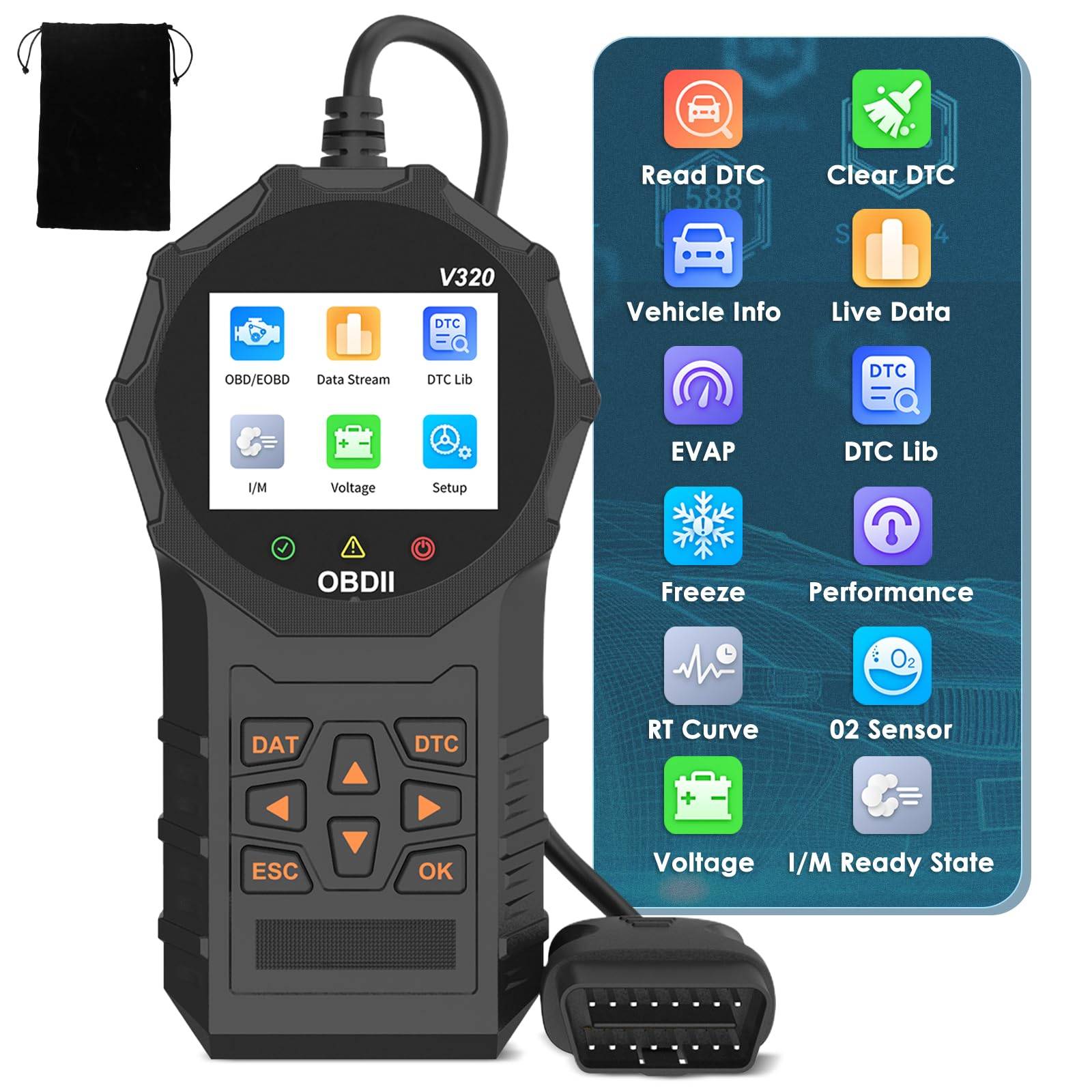 Automotive OBD2 Scanner OBD Code Reader Car Check Engine Fault Diagnostic Tool$58.99
 View on Mallflare
 FIXD OBD-II ACTIVE CAR HEALTH MONITOR ENGINE CODE READER DIAGNOSTIC SCANNER$22.50View on eBay
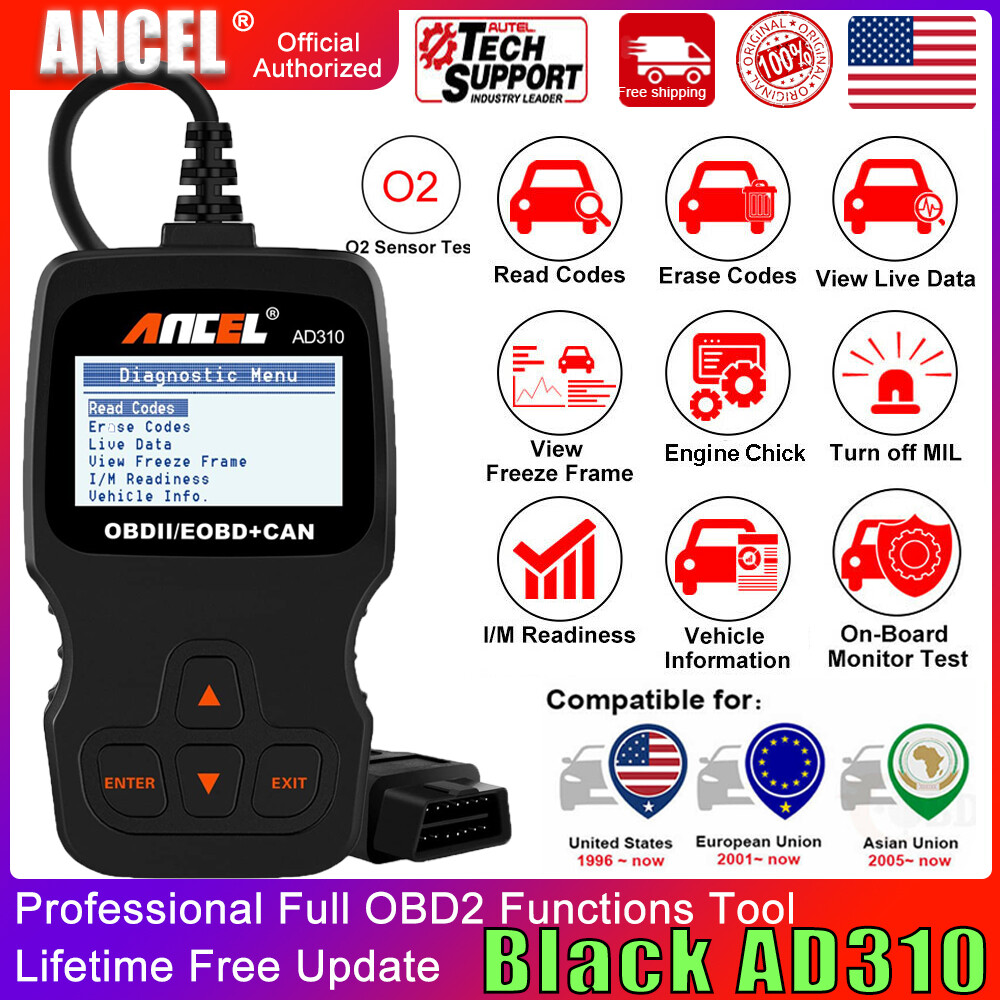 ANCEL AD310 Classic Enhanced Universal OBD II Scanner Car Engine Fault Code Read$29.99View on eBay
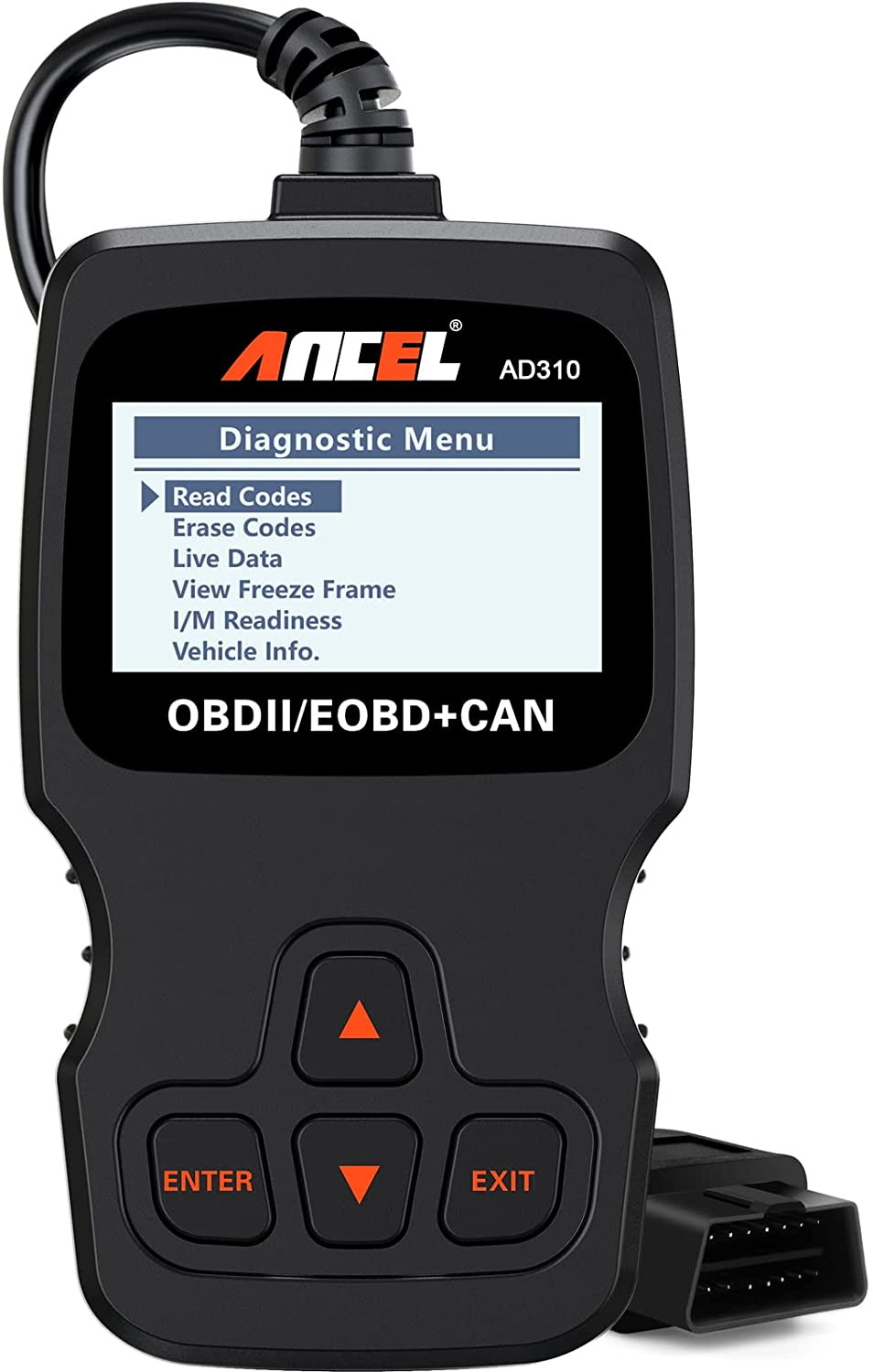 AD310 Classic Enhanced Universal OBD II Scanner Car Engine Fault Code Reader CAN$36.99View on eBay
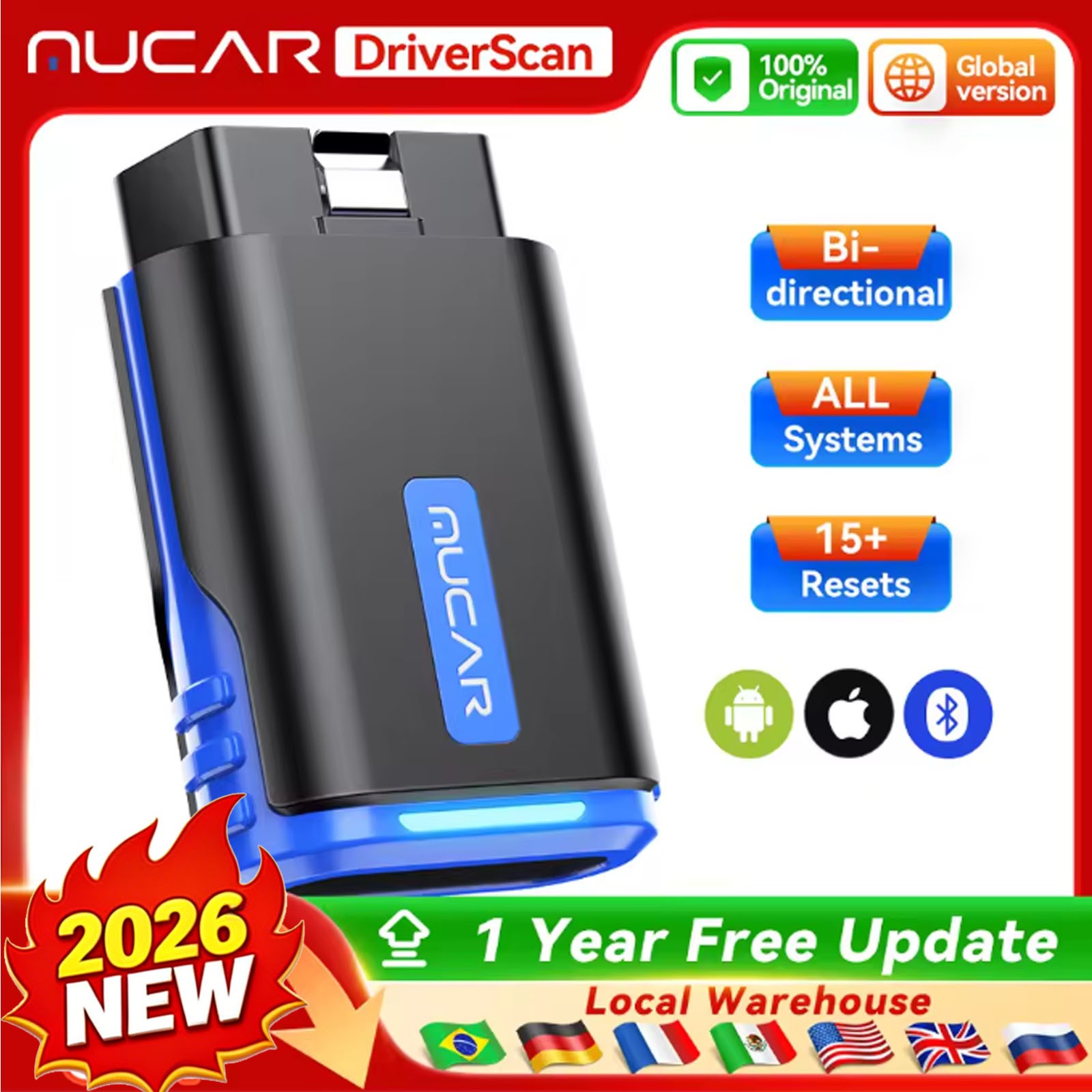 MUCAR Driverscan Automotive Diagnostic Tools OBD 2 Scanner All Cars Full System$39.99View on eBay
Highlights
- Protocol support: ISO 9141, KWP2000, J1850 PWM/VPW, and CAN (ISO 15765) — CAN is mandatory for 2008+ vehicles.
- Code coverage: generic OBD-II powertrain codes (P0xxx) on all readers vs enhanced codes (P1xxx, B, C, U) on mid-tier and up.
- Live data stream: basic readers show freeze-frame only; enhanced units display real-time PID graphs for O2 sensors, fuel trims, and MAF.
- ABS/SRS/airbag coverage requires an enhanced scanner with manufacturer-specific software — not present on entry-level code readers.
Best use cases
- Best for clearing a check-engine light on a 2008+ daily driver: a CAN-capable code reader like the ANCEL AD310 — no live data, but reads and clears P-codes reliably.
- Best for DIY diagnostics with fuel-trim and O2 graphing: step up to an enhanced scanner with live data (e.g., FIXD or MUCAR-class) — skip if you only need code clearing.
- Wrong fit for ABS, airbag, or transmission diagnostics: basic OBD readers cannot access those modules — choose a full-system scanner with manufacturer coverage instead.
- Wrong fit for pre-1996 vehicles: OBD-II readers will not connect — use a manufacturer-specific OBD-I tool for older cars.
Buying tips
- Match protocol to model year: 1996–2007 may use J1850 or ISO 9141; 2008+ is CAN — confirm the reader lists CAN (ISO 15765) explicitly.
- For live data, check PID refresh rate: a 10 Hz+ sample rate is needed for meaningful O2 and fuel-trim graphs; slower units lag.
- Enhanced coverage requires brand-specific software — generic readers only read P0xxx; verify the tool lists ABS/SRS or enhanced codes before buying.
- Screen and power: standalone readers with built-in display and OBD-port power need no batteries; Bluetooth dongles require a phone app and 12V port power.
Specs
| Protocol Support | CAN, ISO 9141, KWP2000, J1850 |
|---|---|
| Code Coverage | Generic P0xxx vs Enhanced P1xxx/B/C/U |
| Live Data | Freeze-frame only vs Real-time PID graphs |
| Connection | Standalone screen vs Bluetooth dongle + app |
Related searches
What to check before buying
- Locate your OBD-II port (under dash, driver side, 1996+) — confirm 16-pin connector matches the reader.
- Confirm vehicle year and protocol: 2008+ CAN is near-universal; pre-2008 may need J1850/ISO support.
- Check whether you need live data, ABS/SRS, or manufacturer codes — this determines tier more than brand.
- Verify reader compatibility with your phone OS if using a Bluetooth dongle (iOS vs Android app support).
FAQ
Data sources: eBay / Amazon listings and product attribute feeds Data updated Nov 15, 2026.
Some links on this page are affiliate links. If you buy after clicking one, we may earn a commission at no extra cost to you. This does not change which products appear here or their order. Affiliate disclosure.