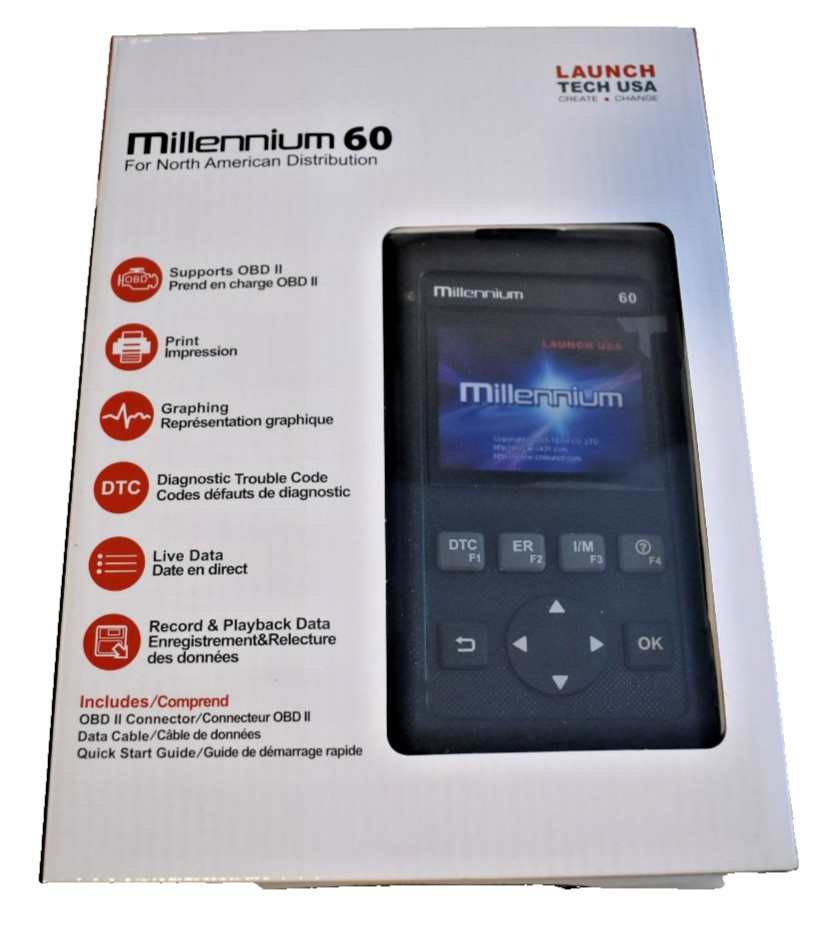

Photos from current listings. Actual item, color, and included accessories may vary.
Launch Code Reader Buying Guide
Launch code readers split into two clear tiers: basic OBD-II scanners that read generic powertrain codes on any 1996+ vehicle, and enhanced Android-based tools that add ABS/SRS coverage plus manufacturer-specific modules. The decisive trade-off is vehicle coverage versus cost and setup complexity: buy a basic reader for engine-light triage on one car, and step to an enhanced Launch model only when you need ABS, SRS, or live-data graphing.


At a glance
- Category
- Automotive Diagnostic Tools
- Data updated
- Nov 15, 2026
Current offers
Highlights
- OBD-II compliance (1996+ US, 2001+ EU petrol) is the baseline: all Launch readers cover generic P0xxx codes, but ABS/SRS and enhanced codes require the higher tier.
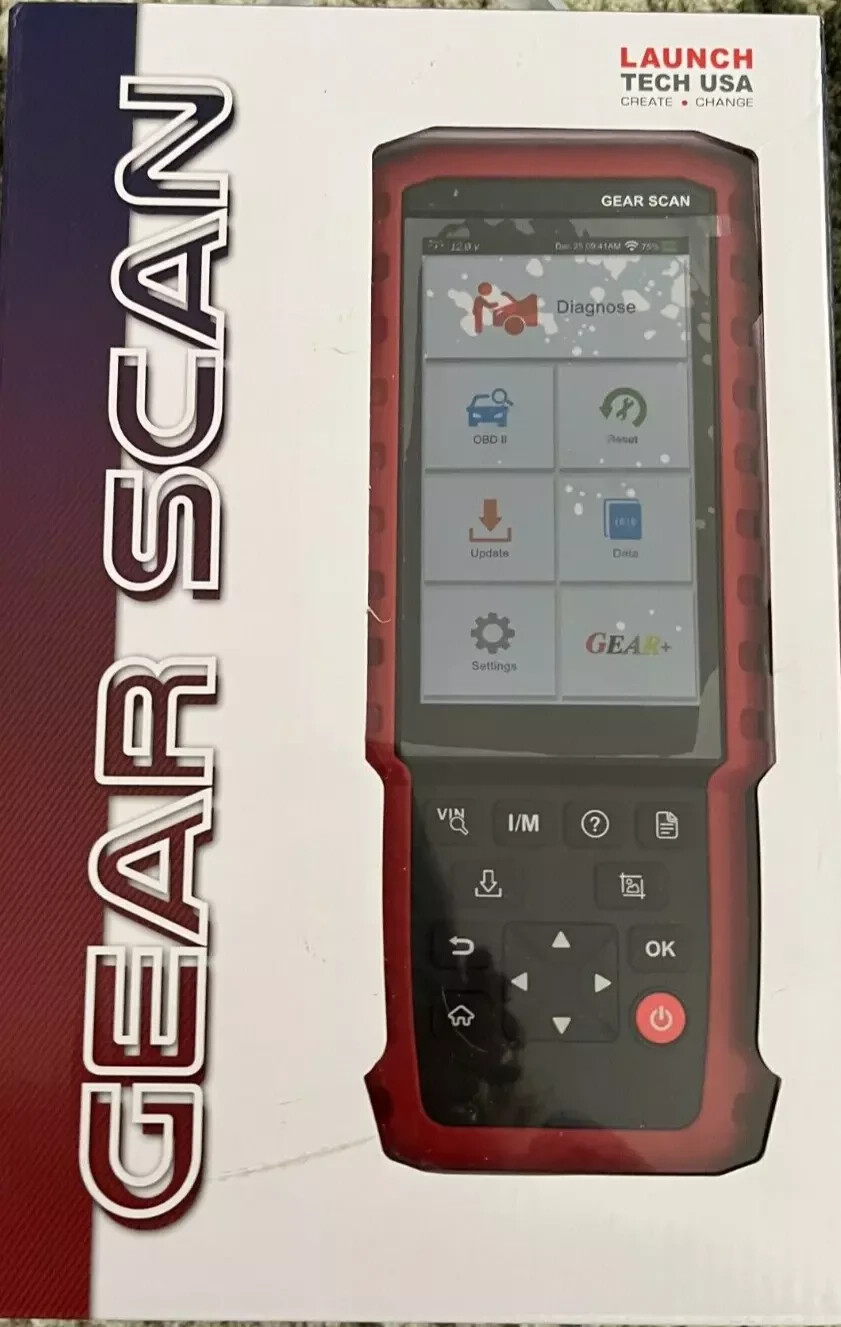
- Basic Launch readers use a backlit LCD with limited live data; enhanced models run Android with 5-inch or larger touchscreens and support full-system scans.
- Vehicle coverage depends on software tier and update policy: basic tools cover OBD-II only, while enhanced tools add Asian, European, and domestic manufacturer protocols via downloadable modules.
- Recording capability matters: the Millennium 60 class offers OBD-II recording for intermittent faults; touchscreen models add freeze-frame and graphing but check whether recording is included.
Best use cases
- Best fit: a DIY owner with a check-engine light on a 1996+ car — pick a basic Launch OBD-II reader to pull and clear P0xxx codes without paying for ABS coverage you do not need.
- Best fit: a home mechanic servicing multiple brands who needs ABS/SRS diagnostics — choose an enhanced Android Launch model with full-system scan and manufacturer modules.
- Wrong fit: a professional shop diagnosing 2020+ vehicles — skip both entry tiers and buy a Launch X431-class bidirectional tool with CAN FD and DoIP support.
- Wrong fit: a pre-1996 vehicle owner — skip OBD-II readers entirely; these tools will not communicate with non-OBD-II vehicles.
Buying tips
- Match the tool to the vehicle generation: OBD-II readers work on 1996+ US and 2001+ EU petrol cars; 2008+ CAN vehicles need a reader that explicitly lists CAN protocol support.
- Screen size and OS indicate tier: a 5-inch Android touchscreen signals an enhanced tool with ABS/SRS potential, while a monochrome LCD with buttons signals a basic OBD-II-only reader.
- Check the software update model before buying: enhanced Launch tools use downloadable manufacturer modules, and coverage of newer models depends on the update subscription or included software version.
- Verify recording and graphing: intermittent faults need freeze-frame and live-data recording, which basic readers often omit; confirm the feature in the model's spec sheet.
Specs
| Tool Tier | Basic OBD-II vs Enhanced Android |
|---|---|
| System Coverage | Engine only vs Full-system ABS/SRS |
| Display Type | LCD buttons vs 5-inch touchscreen |
| Protocol Support | OBD-II + CAN vs CAN FD/DoIP (X431) |
Related searches
What to check before buying
- Confirm the vehicle is OBD-II compliant (1996+ US, 2001+ EU petrol) and identify the connector location under the dash before ordering.
- Check whether you need ABS/SRS or manufacturer-specific codes — if yes, budget for an enhanced Launch tier, not a basic OBD-II reader.
- Verify the tool's included software and update policy, since vehicle coverage for newer models depends on the software version shipped.
- Ensure the reader's power source matches the vehicle: OBD-II port-powered readers need no separate battery, but Bluetooth models require a charged phone or tablet.
FAQ
Data sources: eBay / Amazon listings and product attribute feeds Data updated Nov 15, 2026.
Some links on this page are affiliate links. If you buy after clicking one, we may earn a commission at no extra cost to you. This does not change which products appear here or their order. Affiliate disclosure.