

Photos from current listings. Actual item, color, and included accessories may vary.
Foxwell GT60 BT Buying Guide
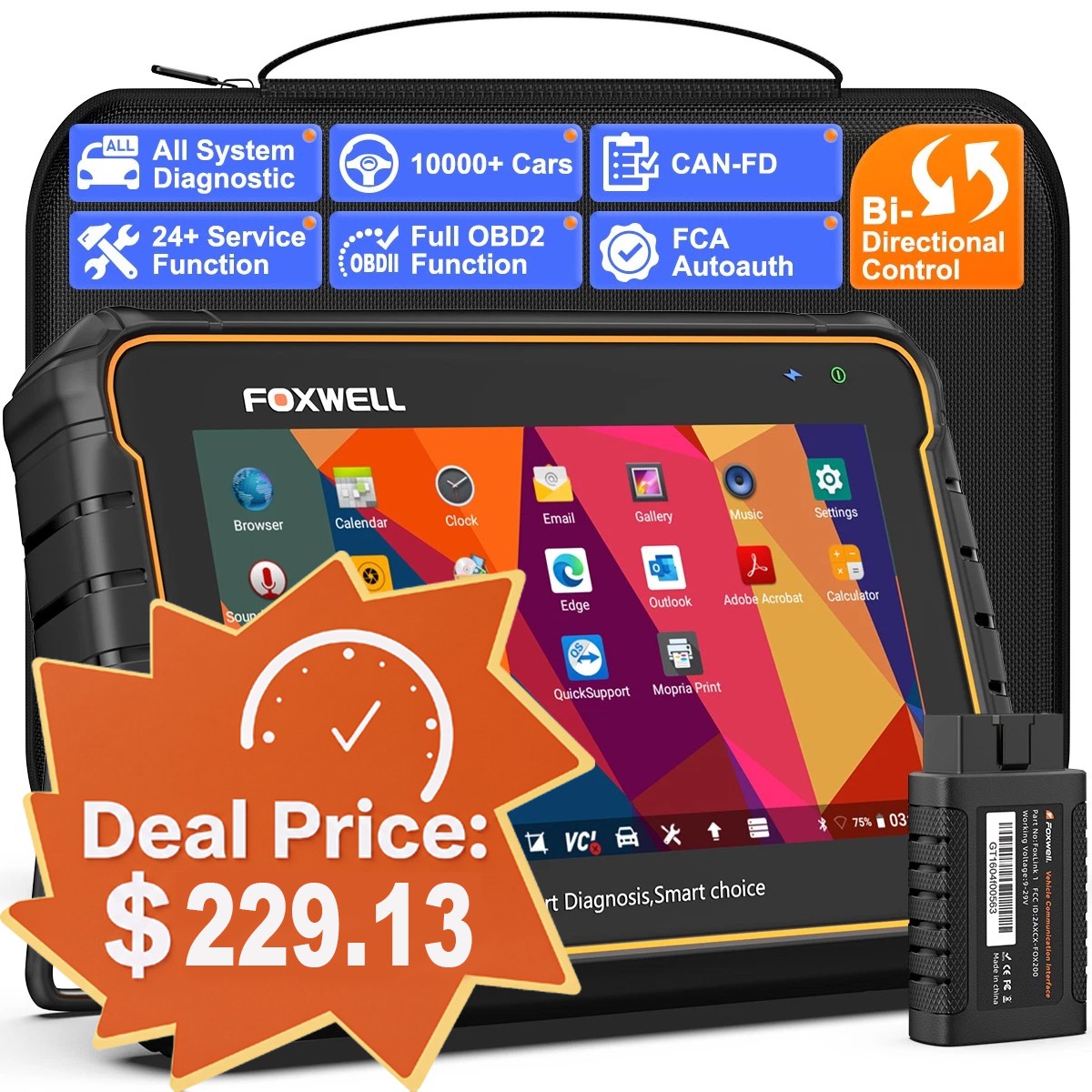
The Foxwell GT60 BT is a bidirectional all-systems OBD2 diagnostic tablet with Bluetooth wireless connectivity, positioned above basic code readers and below professional shop platforms. The core trade-off is between full-system bidirectional control and a mid-tier Android tablet architecture that limits live-data speed and update longevity versus flagship tools. Buy it if you need module-level actuation and service resets across mixed brands; skip it if you only need engine codes or require OEM-level programming.


At a glance
- Brand
- Not synced yet
- Model
- Not synced yet
- MPN
- Not synced yet
- Category
- Automotive Diagnostic Tools
- Status
- Offers available
- Data updated
- Nov 15, 2026
Current offers

Highlights
- Bidirectional active tests command modules directly — windows, fuel pump, ABS bleed, DPF regen — which code readers cannot do at any price.
- All-systems coverage reads and clears ABS, SRS, transmission, BMS, TPMS, and HVAC modules, not just powertrain OBD2 P-codes.
- Bluetooth VCI frees the tablet from the dash, but live-data refresh runs slower than wired flagship tools — relevant for fast PID graphing.
- Service functions cover oil reset, DPF regeneration, TPMS relearn, EPB, SAS, and BMS registration — the resets independents bill most often.
Best use cases
- Best fit: independent shops and serious DIYers servicing multiple brands who need bidirectional tests and service resets without flagship pricing.
- Best fit: DPF/TPMS/EPB-heavy work on diesel and European vehicles where module actuation and relearn routines are mandatory.
- Wrong fit: engine-only code reading — a basic OBD2 scanner covers that at a fraction of the cost with no tablet complexity.
- Skip if you need OEM-level ECU programming, coding, or J2534 passthrough — the GT60 BT is a diagnostic and service tool, not a programmer.
Buying tips
- Confirm the bundle includes the Bluetooth VCI dongle and both OBD2 and USB charge cables — the tablet alone cannot communicate with the vehicle.
- Match advertised vehicle coverage to your fleet's model years; pre-2010 coverage and some Asian brands are thinner than European and domestic.
- Check free software update terms before buying — Foxwell typically bundles a limited update window, and lapsed updates cost extra to renew.
- Prefer GT60 BT over the wired GT60 only if you actually work away from the driver's seat; the wireless link adds latency to fast PID logging.
Specs
| Connectivity | Bluetooth VCI + USB charge |
|---|---|
| System Coverage | All-systems (ABS, SRS, TPMS, BMS) |
| Bidirectional Control | Active tests on supported modules |
| Service Functions | Oil, DPF, TPMS, EPB, SAS, BMS |
Alternatives to compare

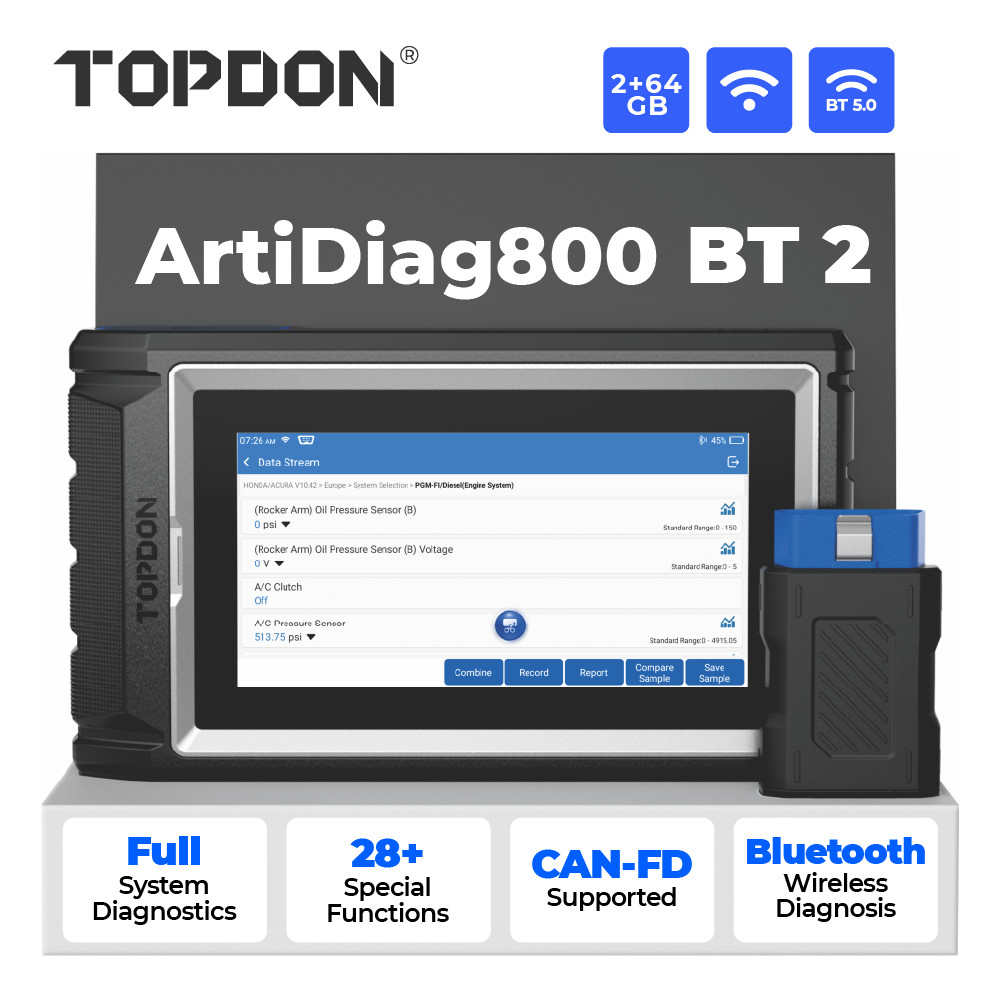
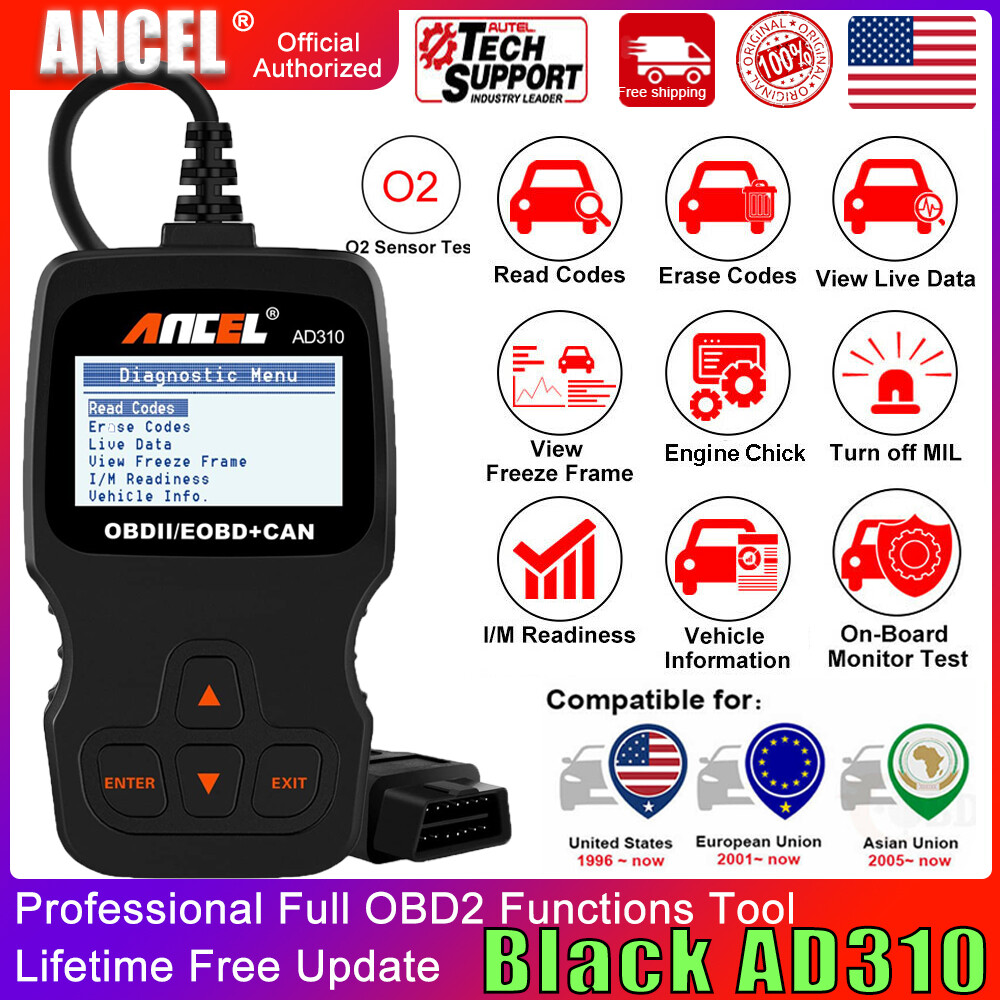
Related searches
What to check before buying
- Verify your vehicles use standard 16-pin OBD2 ports under the dash — pre-1996 and some commercial vehicles need adapters.
- Confirm the tablet's Android version and screen size suit outdoor bay use; glare and battery life matter more than spec-sheet cores.
- Check that you have a stable Wi-Fi connection at the shop for activation and software downloads before first use.
- Ensure the Bluetooth VCI pairs with the tablet out of the box; a missing dongle makes the scanner unusable regardless of software.
FAQ
Data sources: eBay / Amazon listings and product attribute feeds Data updated Nov 15, 2026.
Some links on this page are affiliate links. If you buy after clicking one, we may earn a commission at no extra cost to you. This does not change which products appear here or their order. Affiliate disclosure.