

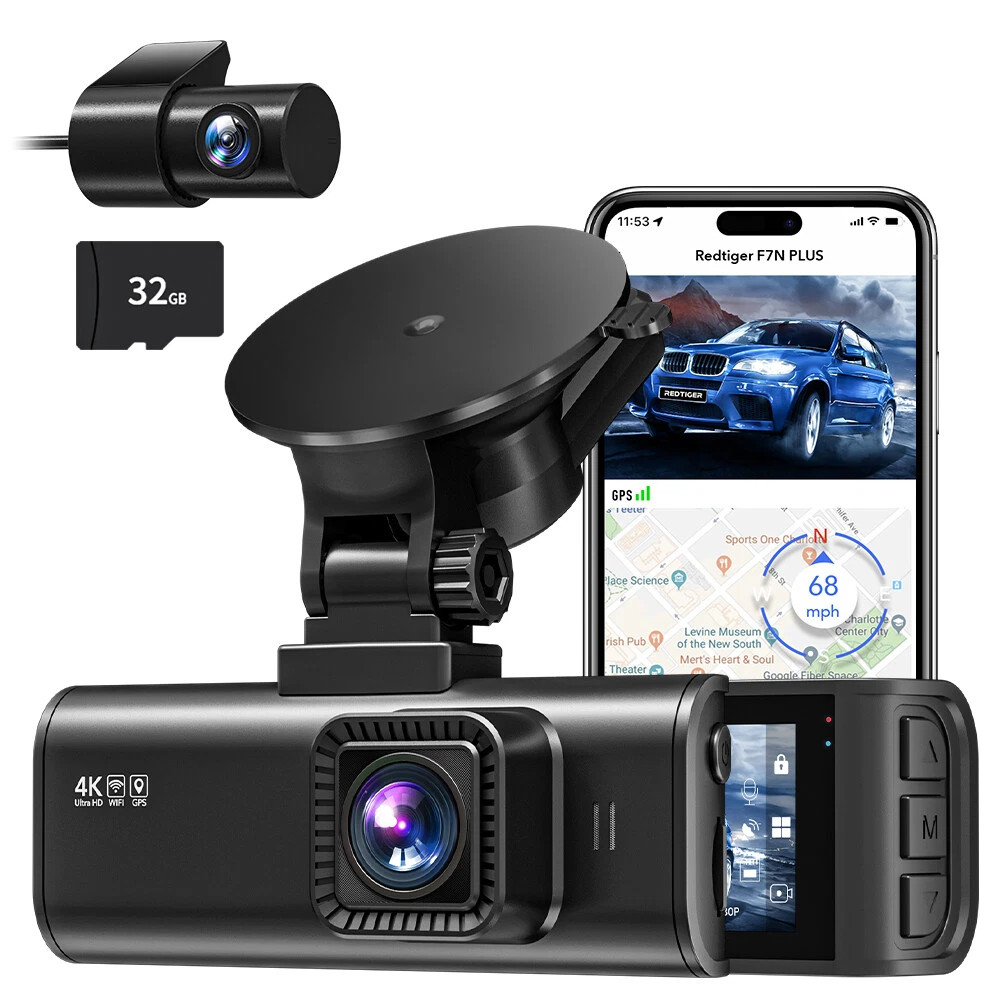
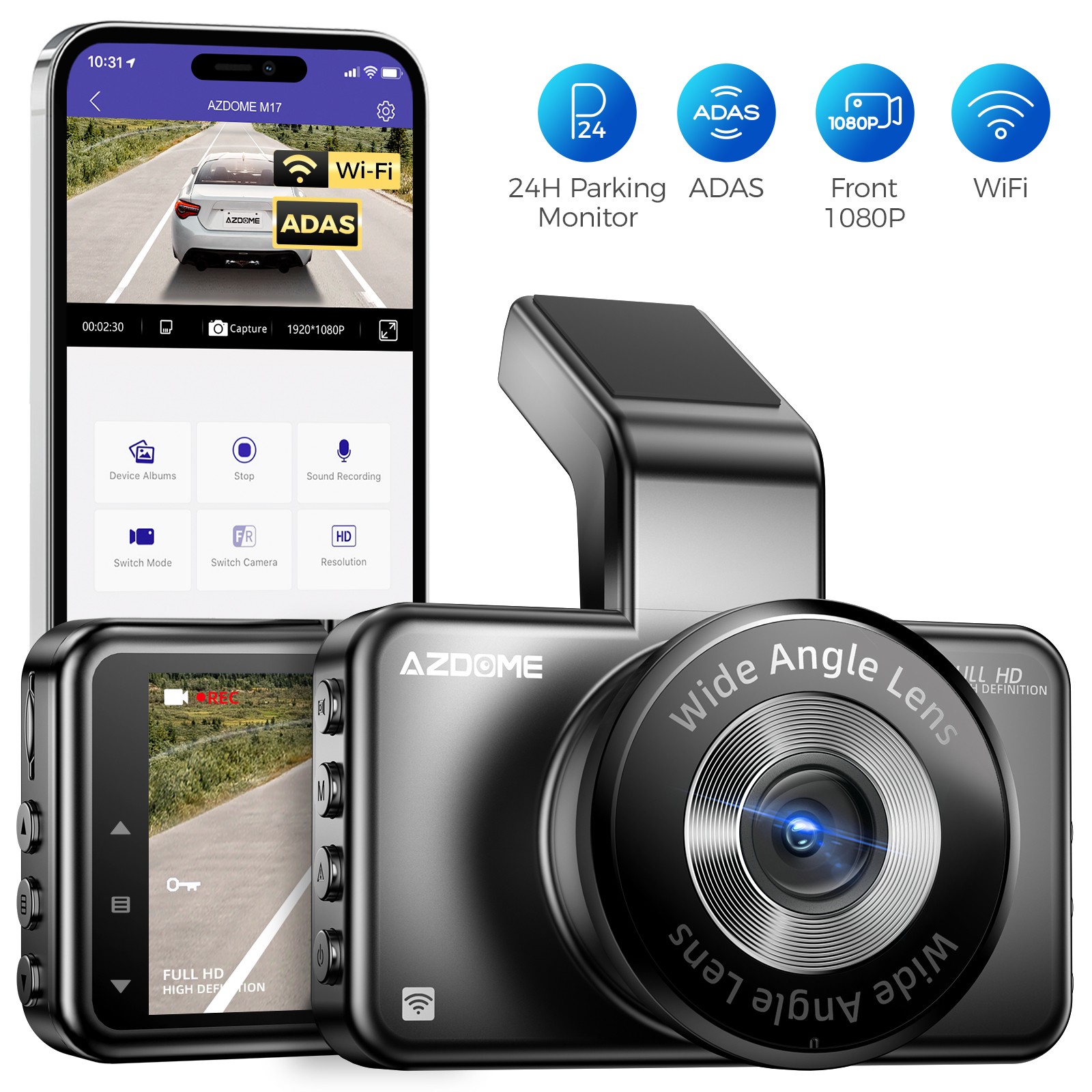
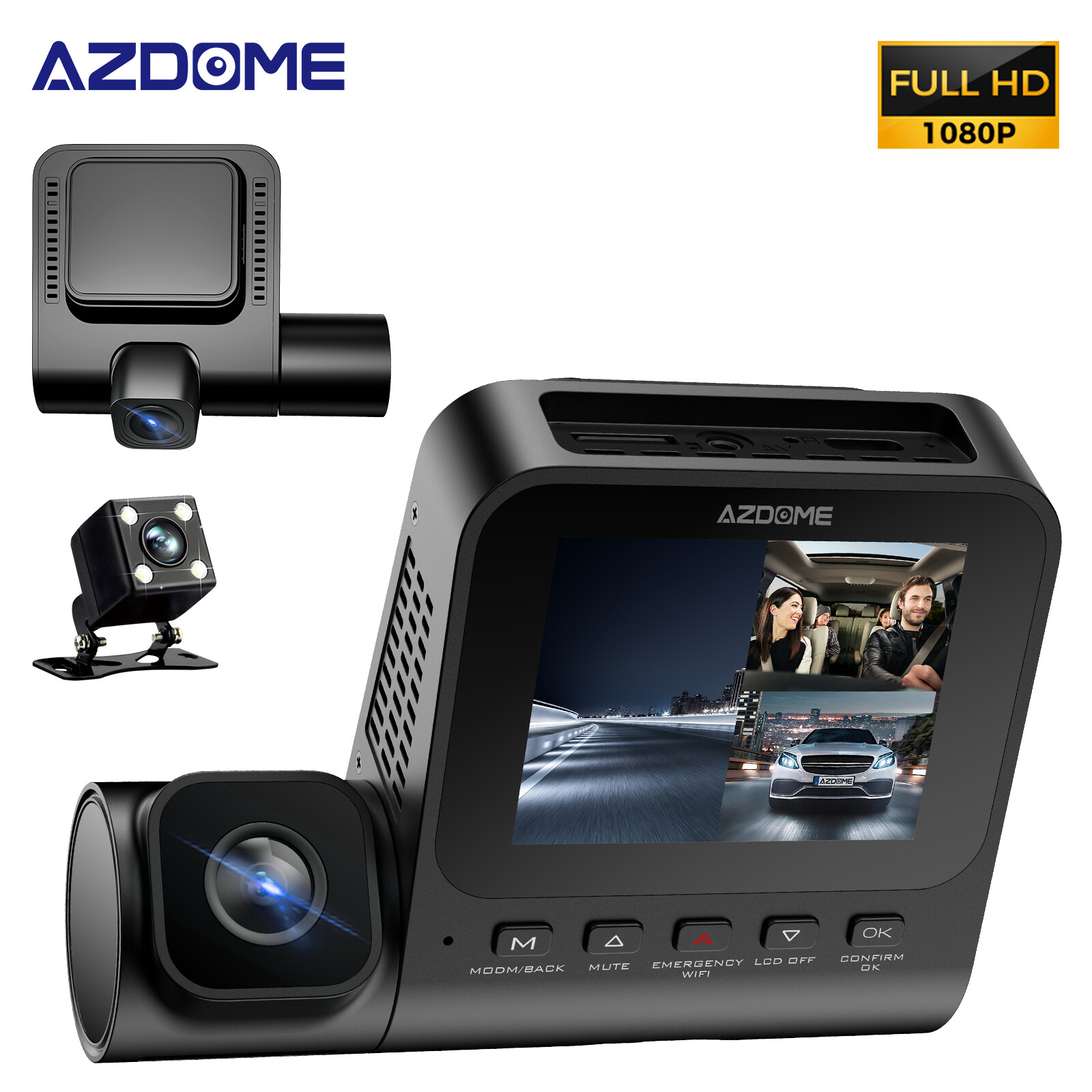
Photos from current listings. Actual item, color, and included accessories may vary.
FITCAMX OBD Cable Buying Guide
The FITCAMX OBD Cable is a vehicle-specific hardwire harness that plugs into a car's OBD-II diagnostic port to provide constant 12V power for FITCAMX dash cams, enabling parking-mode monitoring without splicing the fuse box. The core trade-off is vehicle compatibility: OBD-II pin power varies by make and model, so the correct cable must match both the FITCAMX camera connector and the car's OBD pinout. The decision rule is simple: buy only if your FITCAMX model and vehicle year are confirmed on the compatibility list; otherwise use a fuse-tap hardwire kit.


At a glance
- Brand
- Not synced yet
- Model
- Not synced yet
- MPN
- Not synced yet
- Category
- Dash Cams
- Status
- Offers available
- Data updated
- Nov 15, 2026
Current offers
Highlights
- OBD-II port provides constant 12V battery power and chassis ground, letting the dash cam run parking monitoring without fuse-box tapping.
- FITCAMX cameras use a proprietary micro-USB or USB-C power connector, so the OBD cable must match the camera generation exactly.
- Many vehicles keep OBD-II pins 16 (12V) and 4/5 (ground) live with the ignition off; others cut power, disabling parking mode.
- Cable includes an inline voltage cutoff module (typically 11.6V–12.4V adjustable) to prevent battery drain on parked cars.
Best use cases
- Best fit: FITCAMX dash cam owners who want clean plug-and-play parking monitoring without cutting or splicing factory wiring.
- Best fit: vehicles confirmed to keep OBD-II pin 16 powered when the ignition is off, such as many late-model European and Asian cars.
- Wrong fit: cars that switch OBD-II power off with the ignition — parking mode will not work; use a dedicated fuse-tap hardwire kit instead.
- Wrong fit: non-FITCAMX dash cams with different connectors — this cable is camera-specific and will not adapt to other brands.
Buying tips
- Confirm your FITCAMX camera's power connector type (micro-USB vs USB-C) against the cable's camera-side plug before ordering.
- Check your vehicle's OBD-II pin 16 behavior with a multimeter: 12V with key off means parking mode works; 0V means it will not.
- Set the inline voltage cutoff to at least 12.0V on lead-acid batteries to avoid no-start conditions during long parking sessions.
- Route the cable behind trim and under floor mats to the OBD port; the connector must remain accessible for diagnostics and emissions testing.
Specs
| Power Source | OBD-II pin 16 constant 12V |
|---|---|
| Camera Connector | FITCAMX micro-USB / USB-C |
| Voltage Cutoff | Adjustable 11.6V–12.4V |
| Parking Mode | Requires key-off OBD power |
Alternatives to compare



Related searches
What to check before buying
- Verify your FITCAMX camera model and connector type match the OBD cable's camera-side plug.
- Measure OBD-II pin 16 voltage with the ignition off to confirm constant 12V power is present.
- Check that the OBD port remains reachable after routing, since inspectors and mechanics need it for diagnostics.
- Confirm the cable length reaches from the OBD port to the camera mount without tension or exposed runs.
FAQ
Data sources: eBay / Amazon listings and product attribute feeds Data updated Nov 15, 2026.
Some links on this page are affiliate links. If you buy after clicking one, we may earn a commission at no extra cost to you. This does not change which products appear here or their order. Affiliate disclosure.